
CRM basics for small service businesses come down to one job: keeping every enquiry, quote, job and follow-up in a single place, with the next action written next to it. For a plumber, a salon or a two-person consultancy, that means no lead disappearing into a text thread, a notebook or a spreadsheet between the estimate and the booking.
A CRM will not win you new customers, and it will not answer a phone that rings while you are under a sink. What it does is make the failures visible, so a quote you forgot gets chased, a customer who is due a service gets reminded, and you can finally answer the question every owner asks: how many enquiries came in, and how many turned into paid work?
This guide covers what a CRM actually is, which features a small service business genuinely needs, how to set one up without turning it into a second job, and how to tell whether you need one at all or whether a well-organised spreadsheet is still the honest answer.
Table of Contents
- CRM Basics for Small Service Businesses: What to Know
- What a CRM actually stores
- What a CRM is not
- CRM terms in plain English
- The Core CRM Features Small Businesses Need
- The features most small teams can skip
- How CRM Basics Help With Lead and Customer Follow-Up
- Why inconsistent follow-up costs more than slow follow-up
- How to Set Up a CRM Without Overcomplicating It
- How do I use a CRM for the first time?
- How to Choose CRM Software for a Small Service Business
- Common CRM Mistakes and How to Avoid Them
- Frequently Asked Questions
- What is the main purpose of a CRM for a small service business?
- Is a CRM useful for a business with only a few employees?
- What is the best free CRM for a small service company?
- How long does it take to set up a CRM?
- What information should a small service business track in its CRM?
- Do I need a separate CRM if I already use a calendar or invoicing system?
- Conclusion
CRM Basics for Small Service Businesses: What to Know
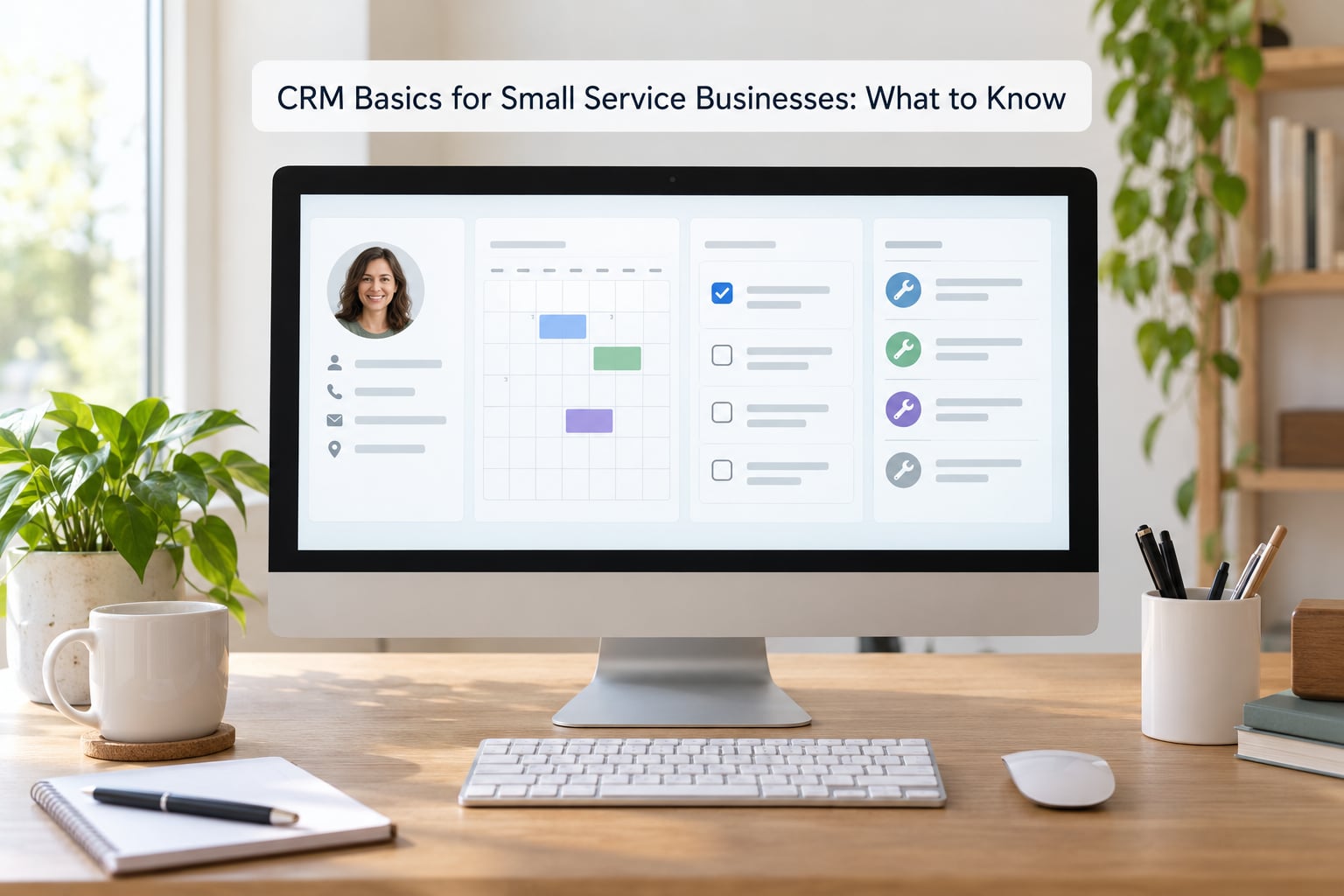
A CRM is software for customer relationship management: a shared record of everyone who has contacted your business, what stage each opportunity is at, and what has to happen next. It replaces the scattered set of notes, texts, call logs and spreadsheet tabs where a small service business usually keeps its customer history.
The term sounds enterprise-sized, but the mechanics are small. Three record types do nearly all the work in a service business: the contact record, the job or deal record, and the activity or task record. Everything else a CRM offers is a way of organising those three.
What a CRM actually stores
- Contact records. Name, phone, email, service address, how they found you, and the custom details your trade cares about, such as the boiler model, the last haircut date or the property access notes.
- Job or deal records. Each quote, estimate and booked visit as its own item, so you can see it quoted, then booked, then completed, instead of one vague line in a notebook.
- Activities and tasks. The call you made, the photo you took, the note about the tricky access, and the reminder to follow up on Friday.
Attached to those records is a timeline. When someone asks, “has this customer had their annual service?”, the answer is one click away rather than a phone call to check your own memory.
What a CRM is not
A CRM is not a customer database that sits still, and it is not a marketing email tool with a database bolted on. It is also not a substitute for answering quickly. Owners who adopt a CRM to fix missed calls usually feel disappointed, because a contact record does not ring the phone back for you.
Two things it genuinely is not worth pretending otherwise about: it will not fix a service that quotes badly or arrives late, and it will not make you call people you never intended to work with. The software only removes the administrative friction around work you were already willing to do.
CRM terms in plain English
You will hear these five words in every demo, so it is worth having them straight before you go looking.
- Contact: any person or business in your system, current customer or not.
- Lead: someone who has asked about your services but has not booked.
- Deal or job: the piece of work itself, from quote through to completion.
- Pipeline and stage: the list of open jobs, each sitting at a step such as New Enquiry, Quoted, Booked, Complete.
- Activity: anything logged against a contact: a call, an email, a text, a note, a photo.
The Core CRM Features Small Businesses Need
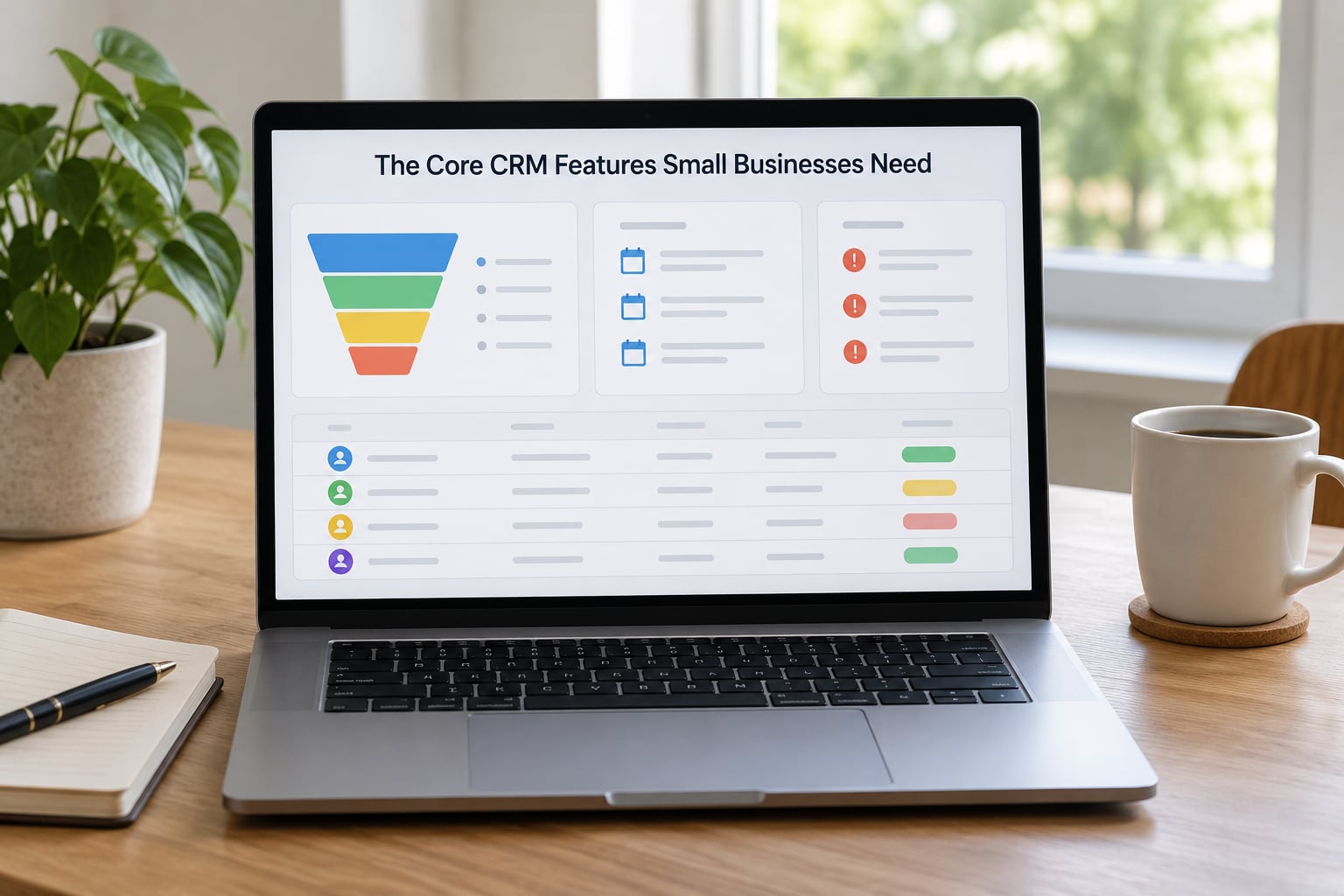
The features a small service business actually uses every day are contact management, a short lead pipeline, task reminders, appointment history, shared notes and a small amount of reporting. Everything else on a vendor’s pricing page is optional for a business under about ten people.
- Central contact management. One record per person, with the fields you actually look up. Duplicate records are the enemy here, because a customer with two profiles gets two reminders and no history.
- Lead capture that writes itself. New enquiries arriving by form, phone or text should land in the system without someone retyping them. Anything requiring manual entry is a step you will eventually skip on a busy afternoon.
- Pipeline stages. Five is plenty for most service trades: New Enquiry, Qualified, Quoted, Booked, Complete. Stages exist to answer “what needs chasing today”, not to satisfy a consultant.
- Task reminders and follow-up timing. The estimate you sent Tuesday gets a reminder on Thursday. This is the feature owners notice first and miss most if they cancel.
- Appointment history. Past visits, dates and work done, visible while you are on the phone with the customer asking about it.
- Notes and communication history. The detail that lives in your head today: what failed last time, which gate code, who to ask for on arrival.
- Reporting. Enquiries by month, conversion rate by stage, and revenue from repeat customers. Three numbers are enough to run a small business on.
- A mobile app that works. If your work happens in a truck or a salon chair, the phone version is the version you will use. Test it in the field before you commit to a platform.
The features most small teams can skip
Territory management, lead scoring, customisable revenue forecasting, multi-level approval chains and complex commission rules belong to businesses with a sales department. Adding them on day one is the fastest way to end up with an impressive system nobody opens.
How CRM Basics Help With Lead and Customer Follow-Up
Follow-up is where the money leaks in a service business, and it leaks quietly. A quote goes out, no decision comes back for a week, the customer calls someone else, and nobody ever finds out that it happened because the record closed and vanished.
A CRM makes the gap between first enquiry and completed job a visible sequence rather than a memory test. A typical flow looks like this, and every step carries an owner and a next action:
- New enquiry arrives. The contact is created automatically from the form, the booking page or a call note, with the date and time stamped.
- Qualified. You confirm the scope, and the enquiry that will never convert is closed early so it stops cluttering your pipeline.
- Quoted. The estimate is recorded against the job with the date it went out, which is what makes the follow-up reminder possible.
- Booked. The appointment appears on your calendar and in the customer’s history at the same time.
- Complete. Job notes, photos and parts are attached while you are still on site, because nobody remembers that detail a week later.
- Aftercare. A review request goes out, a service reminder is scheduled for the seasonal or annual job, and the customer becomes a source of referrals you can ask for by name.
Why inconsistent follow-up costs more than slow follow-up
Teams rarely have a follow-up problem so much as a consistency problem. Some customers get chased eight times, others get none, and the difference is invisible until you can see it in a list.
Run the arithmetic on your own numbers, because the ratio matters more than any vendor’s claim. Take a month with 40 enquiries where 8 turn into jobs, a 20% conversion rate. If consistent follow-up takes that to 26 jobs, a 30% rate, you gained 18 jobs without spending a single extra pound on advertising. Now divide the extra 18 jobs by what a single extra enquiry would have cost you to buy.
That gap between buying more leads and keeping more of the ones you already have is the financial argument for CRM basics, and it is the one that survives scrutiny.
How to Set Up a CRM Without Overcomplicating It
A useful first setup takes an afternoon: pick one workflow, import a cleaned list, build five stages, turn on reminders, and run it for a week before adding anything. If your setup needs a consultant, a data migration consultant, or a second month, you have overbuilt it.
How do I use a CRM for the first time?
- Name the one workflow you are fixing. “We keep losing quoted jobs” beats “improve our CRM”. You now know exactly what success looks like in three months.
- Choose the smallest tool that covers it. Start on a free tier or a flat monthly plan with no per-module add-ons. You can move up later; migrating out is far harder than choosing carefully now.
- Clean your spreadsheet before importing. Merge duplicate rows, standardise phone formats, confirm each row is one person or one company, and add an “Active” or “Past” column. Garbage in gives you a search engine for garbage, and owners who skip this step conclude the CRM does not work.
- Build five pipeline stages. New Enquiry, Qualified, Quoted, Booked, Complete. Resist every urge to add a sixth.
- Create the two reminders that matter. Follow up on quotes two to three days after sending, and remind yourself before a service window opens for past customers. Two automations beat twenty.
- Set a note standard. Decide what a note looks like, for example job done, part replaced, access note, next action. Six months from now you will thank yourself.
- Assign an owner to every open job. If two people could act on an item, nobody does.
- Test it with a real customer. Enter a genuine enquiry, move it through the stages, attach a photo, and confirm the reminder arrives. Then use only these basics for a week before adding anything.
That last step is the difference between a CRM that gets used and one that joins the drawer of abandoned subscriptions. The week of boring, reliable use is what makes it part of the job rather than a chore alongside it.
How to Choose CRM Software for a Small Service Business
Choose on fit for your workflow, not on feature count. Most platforms can do more than a small service business will ever use, so the deciding questions are mobile quality, import quality, what happens when a lead calls while you are on a job, and how easy it is to leave.
There are four broad categories, and most owners pick the wrong one by choosing a tool built for a different business model.
| CRM type | Best fit | Setup time | Watch out for |
|---|---|---|---|
| General small-business CRM | Trades and consultancies mixing calls, quotes and invoices | An afternoon to a day | Feature depth arrives in paid tiers, so the price rises after you start using it |
| Simple flat-price CRM | Solo operators and small teams wanting no per-user maths | Under an hour | Contact limits and email sending limits on free plans |
| Field-service CRM | Crews working from vans, salons and mobile job sites | A day or two | Quoting and scheduling tools are tuned for dispatch, which can feel heavy for office work |
| Automation-first platform | Businesses with enough enquiry volume to justify triggers and campaigns | Several days | Built for marketing teams; easy to configure into something nobody understands |
Beyond category, here are the selection criteria worth insisting on before you commit:
- Usability without training. If it takes more than an hour to learn the basics, you will not learn them.
- Mobile app quality. Test it on your own phone, on a weak signal, away from a desk.
- CSV import from your existing spreadsheet. No import path means no migration path.
- Data export. You should be able to take your contacts and notes out at any time, in a usable format. Asking this one question filters out a surprising number of platforms.
- Missed-call and form-fill automation. This is the feature that answers a lead while you are under a sink, and it is separate from contact storage.
- Calendar and phone integration. Not duplication of your admin.
- Accounting and invoicing connection. Duplicated admin is a top reason owners cancel. Rules and integrations vary, so check compatibility with your existing tools before you choose.
- Predictable pricing. A single flat monthly figure beats per-user pricing that scales unpredictably, and a platform you can leave monthly beats an annual commitment.
And the honest case for staying where you are: if you are a solo operator with fewer than about ten enquiries a week, all from one channel, with a tidy spreadsheet you genuinely keep up to date, a spreadsheet is still a legitimate answer. The point is to know which of the two you are running.
Common CRM Mistakes and How to Avoid Them
Most failed CRM projects are not technology failures. They are habits and decisions, and nearly all of them are visible while they are happening.
- Importing a dirty spreadsheet. Fix: deduplicate, standardise formats and confirm one row per person before the first import. This is the single most cited reason a CRM feels useless in month one.
- Building too many pipeline stages. Fix: five stages for a small service business. If two stages never hold anything, delete one.
- Entering data nobody reads. Fix: capture only the fields you will look up on a job. Every unused field is a field that stays blank.
- Stopping the daily update. Fix: tie the CRM to an existing habit, such as updating a record before opening the next job of the day. Systems that live inside a routine survive.
- Expecting it to fix slow responses. Fix: treat contact storage and missed-call automation as two separate problems with two separate fixes. If you are not answering the first ring, turn on text-back and confirmations.
- Over-customising before you understand the default. Fix: run the standard setup for a full season. Configuration takes time you should be spending on the work.
- Buying a system built for a sales department. Fix: match the tool to your business model. Approval chains and territory rules are for companies with a sales floor.
- Treating the CRM as an archive. Fix: it is a working list of open work. A record with no next action belongs in an email campaign, not in your pipeline.
There is one more failure mode that is social rather than technical: nobody owns the system. If follow-up belongs to everyone, it belongs to no one.
Frequently Asked Questions
What is the main purpose of a CRM for a small service business?
A CRM gives a small service business one place where every enquiry, quote, job and follow-up lives, with the next action written next to it. Instead of scattered texts, notebooks and spreadsheet tabs, you can see what is open, what is overdue and who owns it. The practical payoff is fewer lost jobs and a real number for your conversion rate.
Is a CRM useful for a business with only a few employees?
Yes, as long as more than one person touches customer contact or enquiries arrive faster than you can track them by hand. A one-person business with fewer than about ten enquiries a week from a single channel can often manage on a tidy spreadsheet. The moment a lead can fall between two people, the system earns its place.
What is the best free CRM for a small service company?
There is no single winner, but free tiers from well-known general CRMs are genuinely usable for a small team: contact records, a short pipeline, tasks and notes are usually free, while email sending, automation and unlimited contacts sit behind a paid plan. Start free, use it for a month, and expect to upgrade once automation matters to you.
How long does it take to set up a CRM?
An afternoon is realistic for a small service business: about thirty minutes to choose a platform, an hour to clean and import your spreadsheet, and an hour to build five pipeline stages and two reminders. Field-service platforms take a day or two. Plan to use the basics for a full week before adding automation.
What information should a small service business track in its CRM?
Track name, phone, email, service address and how the customer found you. Then add the few trade-specific details you actually look up, such as equipment model, access notes or the last service date. For each job, record the quote date, the booked date, what was done and the next action. Skip everything you would never read.
Do I need a separate CRM if I already use a calendar or invoicing system?
Usually yes, because a calendar tells you when you are busy and an invoicing tool tells you what to charge, but neither tracks the enquiry that never became either. The better question is whether they connect. If your invoicing and accounting tools can sync with the CRM, you avoid duplicated admin; if they cannot, you will type the same details twice.
Conclusion
Start with one workflow, not a whole system. Pick the single thing that keeps going wrong, usually the quote that never gets followed up, and fix only that: collect the essential customer details, set up five pipeline stages and two reminders, and use the basics for a full week before adding anything.
A CRM is worth it when enquiries start slipping between people, a phone or a notebook. If that is not happening yet, a tidy spreadsheet and a better follow-up habit will carry you further than new software will.