Most contact pages fail quietly: the phone number sits in the footer, the form asks for eleven things, and nobody calls. Learning how to write a contact page that gets calls is mostly about deciding on one action, then removing everything that stands between a nervous visitor and that action. This guide is written for local service businesses, trades, clinics and showrooms whose customers would rather talk to a person than fill in a form.
A call-converting contact page leads with a value statement, puts a tap-friendly number near the opening copy, promises a response time, and shows real proof of a real business. Six steps, about an afternoon of writing.
Table of Contents
- What You Need
- Step-by-Step: Build a Contact Page That Gets Calls
- 1. Identify the Action You Want Visitors to Take
- 2. Show What You Do and Who You Help
- 3. Make Calling the Easiest Option
- 4. Add a Strong Call-to-Action
- 5. Remove Friction and Build Trust
- 6. Optimize the Page for Local Search and Track Results
- Common Mistakes
- Frequently Asked Questions
- Should my phone number be on my contact page?
- How many fields should my contact form have?
- Should the contact form go on its own page or sit in the footer?
- How long should a contact page be?
- How do I know my contact page is working?
- Conclusion
What You Need
You cannot write the page until you know what the visitor is being asked to do. Gather these six things first, and the copy writes itself.
- Your service area. The city, neighbourhood or radius you actually cover, written the way customers say it: “Northside and the inner suburbs”, not “within a 25-mile radius”.
- Your top three services. The jobs people actually call about, in the words they use, not the names on your price sheet.
- Phone and scheduling options. Your real phone number, whether someone answers it live, and how fast a person picks up on a typical weekday.
- Proof. Licences, insurance, certifications, years trading, review counts, guarantees, and a real photo of the crew rather than stock imagery.
- Local business details. Full street address, business hours including weekends, and the link to your Google Business Profile.
- Call tracking and analytics. A call tracking number or dynamic number insertion, plus basic analytics on the page so you know which traffic actually calls.
Step-by-Step: Build a Contact Page That Gets Calls
A strong contact page does three things: it makes the next action obvious, it reduces the uncertainty of calling a stranger, and it gives a reason to act now rather than next week. The six steps below handle each of those in order. By the end you should have a page you can paste straight into your site.
1. Identify the Action You Want Visitors to Take
Pick one primary conversion before you write a word. For most local businesses it is a phone call. For a clinic it might be an online booking. For a contractor it is a quote request that triggers a callback.
The mistake is offering four equal options in the same visual weight. When a call button, a form, an email address and a chat widget all compete, the visitor picks the easiest one, which is usually leaving.
Put your primary action first and make it visually unmissable. Everything else drops below the fold or becomes a quiet secondary line. If a visitor has to choose between calling you and reading about you, you have already lost the visitor who had a decision to make.
2. Show What You Do and Who You Help
Specific scope is a filter. When a visitor reads “Leak detection and same-day pipe repairs across Northside and the inner suburbs” they recognise themselves in the sentence. Vague copy does the opposite: “Quality services for all your needs” tells a qualified visitor nothing.
Write about the situation, not the process. Name the customer who calls: the house with the burst pipe at 6pm, the shop that needs a quote by Friday, the parent looking for a same-week appointment.
Keep it to two or three sentences. This paragraph is not an About page; it exists so the right visitor recognises you and the wrong one self-selects out before they ever see your number.
If you are staring at a blank box, three sentence structures cover almost every local business:
- Problem and place. “Burst pipe at 6pm in Northside? We are there the same evening.”
- Service and proof. “Family-run plumbing across the inner suburbs, licensed and insured, with fixed prices agreed before anyone starts.”
- Situation and offer. “Need a quote by Friday? Send two photos and we will come back with a written estimate, no charge and no obligation.”
Fill in the blank and it still reads like a person wrote it, which is the only bar that matters here.
3. Make Calling the Easiest Option
Click-to-call means the phone number is a real link that dials when tapped, not a picture of digits. Most people arriving at a contact page are on a phone, often one-handed, often in a hurry.
Put the number in three places: beside the opening paragraph, in the header so it follows the visitor down the page, and once more after your proof section. Repeat it as a link, not as plain text, and make the tap target large enough for a thumb.
Then say what happens next. “Call before 4pm and someone answers. After that we ring you back the next morning” sets a real expectation, and a real expectation beats a vague promise every time.
4. Add a Strong Call-to-Action
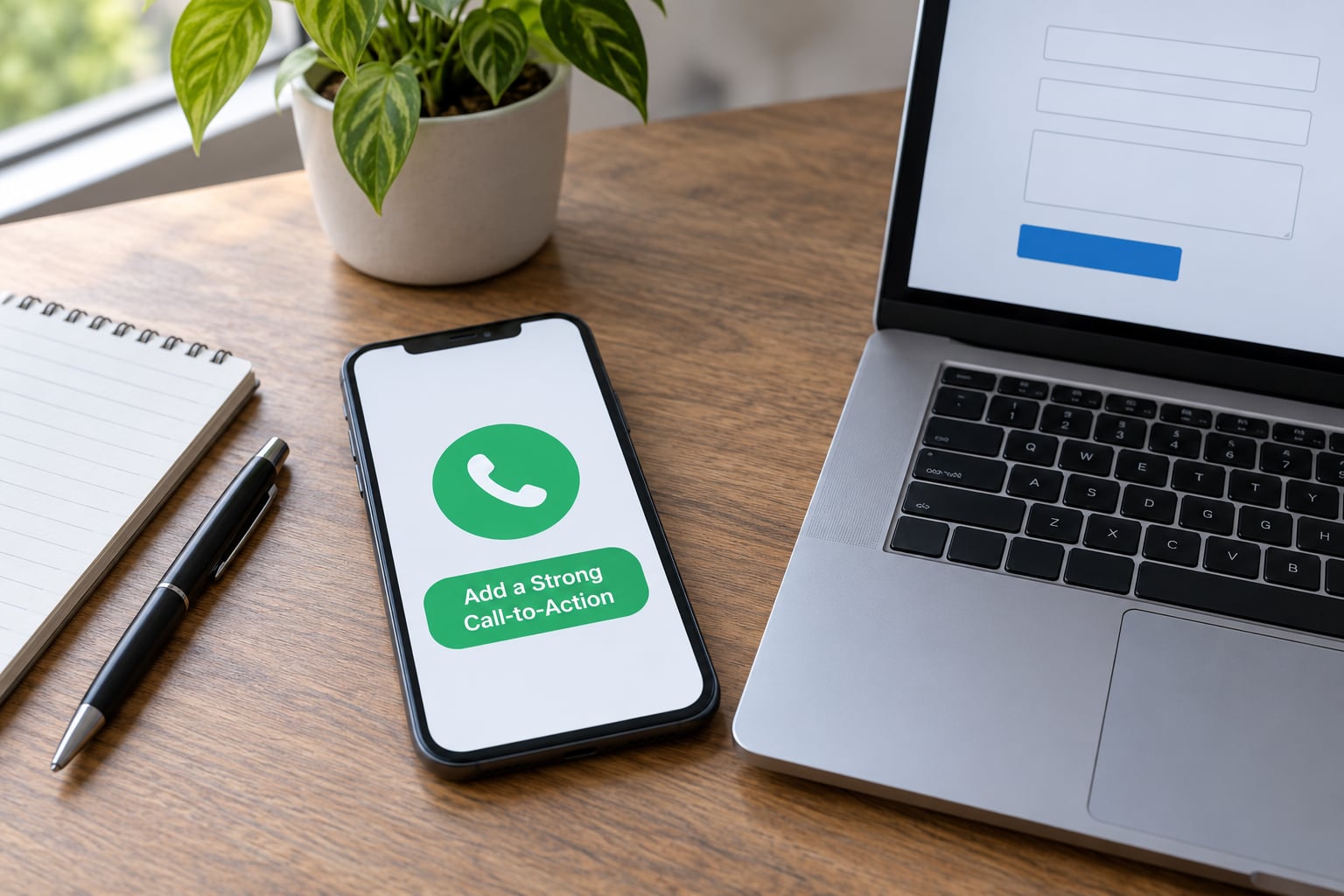
Contact Us tells a visitor nothing. “Call for a free quote” tells them exactly what happens next and whether it costs them anything. The button text is a sentence, not a label.
Match the button to the service. The same word pair does not fit a plumber and a dentist. These twelve headlines are grouped by what the visitor wants:
- Service call: Call for a free quote · Call today, we answer · Talk to the team today · Book a call with a specialist
- Quote or estimate: Get a fixed price in 24 hours · Request a quote · Free, no-obligation estimate · Ask for pricing
- Emergency or urgent: Emergency callout, 24 hours · Need help now? Call us · Same-day appointments available · Fast response, local team
- Support or existing customer: Speak to customer support · Check on a job in progress · Call the office
Place the button immediately under the paragraph that earned the click, and repeat it after the proof. Supporting microcopy sits beside it: “Mon to Fri, 7am to 6pm. No call centres.” One line is enough.
5. Remove Friction and Build Trust
People hesitate to call because they do not know what is on the other end. Hours, service area, response time, credentials, reviews and guarantees answer that hesitation, and reassurance works best right beside the primary call button rather than buried on a separate page.
A short form is your secondary path, not your main one. Four to six fields is enough: name, phone, email, service needed, and one qualifying question such as postcode or timeframe. Name the fields so phones can auto-fill them, and add a plain-language line explaining why you are asking: “We use your number only to quote this job, never for marketing.”
Cut spam without a CAPTCHA, which is where a lot of contact pages quietly lose completions. A hidden honeypot field and a turnstile-style check keep junk out while staying invisible to real visitors. Owners on WordPress and forum boards repeatedly report the same complaint: submissions vanish into spam and nobody notices for days. Quiet honeypots fix that; visible puzzles cost you the visitor who was mid-tap.
Finally, confirm the message landed. A short thank-you page saying someone will be in touch by a stated time closes the loop, and owners report that visible confirmation is what stops people calling twice to check they actually sent it.
Here is the whole page on one card. Tick each row off and the basics are covered.
| Element | Why it earns calls | Example copy |
|---|---|---|
| Click-to-call number | Removes the effort of dialling; the only action most visitors will take | Call 555 0142 |
| Service and area sentence | Lets a qualified visitor recognise themselves and keeps the wrong ones out | Leak detection and same-day pipe repairs in Northside |
| Action button | Tells the visitor what happens next and whether it costs them anything | Call for a free quote |
| Response time promise | Removes the guesswork about how long the wait will be | Ring back within 30 minutes, 7am to 6pm |
| Hours of operation | Stops evening callers from calling a closed line and giving up | Mon to Fri, 7am to 6pm. Sat 8am to noon |
| Proof | Answers the fear of a stranger turning up on your doorstep | Licensed and insured. 4.8 stars from 300+ local reviews |
| Real team photo | Stock imagery quietly signals a business that does not exist | A photo of the crew, not a handshake from a stock library |
| Street address and map | Confirms the business is local and gives directions for the call | 18 Halliwell Street, Northside |
| Short form, 4 to 6 fields | Catches people who will not phone and filters out the rest | Name, phone, email, job needed, postcode |
| Why-you-ask micro-copy | Reduces privacy worry that stops people filling anything in | We use your details only to quote this job |
| Spam filtering | Keeps junk out without pushing real visitors away mid-tap | Hidden honeypot field, turnstile check |
| Thank-you confirmation | Confirms the message arrived and stops duplicate enquiries | Thanks, we have your job and will call by 3pm |
6. Optimize the Page for Local Search and Track Results
Your contact page should read like a local landing page. Put the business name, city, services and phone number in the page title, the first paragraph, and a natural description of the service area. Most local searches are typed with a place name in them, so if the phrase “plumber Northside” is something customers use, it belongs on the page in ordinary sentences.
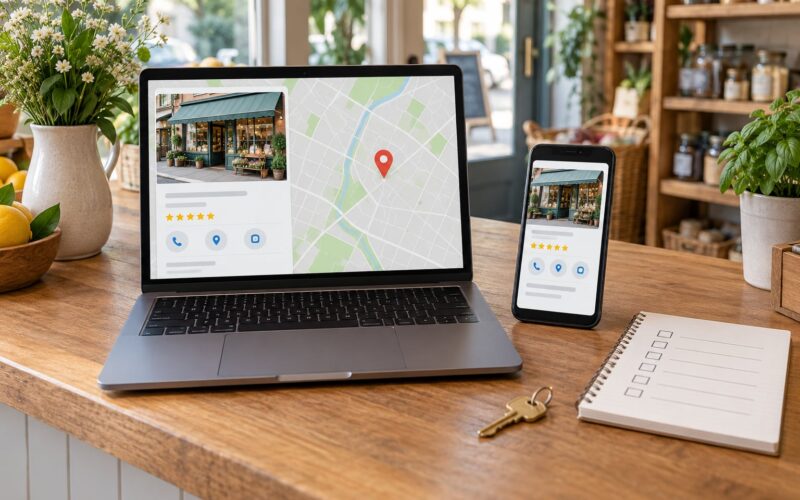
Add structured data. ContactPage and LocalBusiness markup tell search engines that this page holds contact details for a business operating at a real address. Link the page to your Google Business Profile and make sure the address, hours and phone number match it exactly, because mismatches between a profile and a website are one of the most common local ranking mistakes.
Then measure the calls. A call tracking number is a real local number that forwards to your line and attributes each call to a source: Google, a flyer, a specific landing page. Dynamic number insertion swaps in a different tracked number depending on where the visitor came from, so you can see which traffic actually produces phone calls rather than page views. Track click-to-call taps and form submissions as separate conversions, because a page with plenty of taps and no calls means your phone handling is the problem, not your copy.
Common Mistakes
The phone number is only in the footer. Fix: put a click-to-call link in the header, beside the opening copy, and after the proof.
The form asks for everything. Fix: cut to four to six fields, drop anything you would not use to do the job, and explain each remaining field in a few words.
“Contact Us” is the only button. Fix: rewrite it as the action plus the outcome, such as “Call for a free quote”.
Nobody says how fast you respond. Fix: state a response time you can keep, then treat it like a deadline. Owners on local marketing forums describe the same missed-call pattern repeatedly: a job came in after hours, nobody rang back, and a competitor got the work. A number that reaches voicemail with a callback promise beats a number that rings out.
Visitors get stuck on mobile. Fix: check every input field on a real phone. Small boxes, the wrong keyboard type and buried buttons are the most common reasons mobile visitors abandon a form.
Spam protection is scaring people off. Fix: hidden honeypots and turnstile-style checks rather than puzzles. Forum discussions about contact forms come back to this again and again.
Nobody knows whether the page works. Fix: set up call tracking, record tap-to-call and form events separately, and review monthly.
Diagnose drop-off by symptom. Visitors who leave immediately usually hit a slow page or an unclear headline. Visitors who start the form and quit hit too many fields. Visitors who tap the number and never call usually found it hard to reach you, so fix the answer rate before rewriting a word of copy.
Then handle the call itself. Nobody enjoys ringing a business and getting voicemail, so decide in advance what happens after hours: a voicemail message that says when you ring back, a mobile number for genuine emergencies, and a simple rule that every missed call is returned within one business day. Owners on local marketing forums keep describing the same pattern, a job that came in after hours and was never chased, and it is the cheapest revenue you will ever lose.
Give yourself a two-week test. Call the page from your own mobile on a real connection, then ask three people who know nothing about your business to find your number and explain what you do. Watch where they hesitate and how long they take. If they cannot say what you do in one sentence, the opening paragraph is not doing its job yet.
Frequently Asked Questions
Should my phone number be on my contact page?
Yes, if you want calls. A visible, tap-friendly number tells a visitor a real person is behind the business, and people on mobile expect to find one. Hide it and you push visitors into a form, which many will not finish. Show the number, make it a click-to-call link on a phone, and repeat it after your proof section so it is visible when someone has decided they are interested.
How many fields should my contact form have?
Four to six is enough for most local service businesses. Name, phone, email, the service needed and one qualifying detail such as postcode or timeframe will tell you what you need to quote the job. Every extra field costs completions, and a CAPTCHA costs more than people expect. If a field will not change how you handle the enquiry, leave it off the form and ask on the phone instead.
Should the contact form go on its own page or sit in the footer?
Give it its own page, and keep a short version in the footer. A standalone contact page has room for your services, proof and hours, so visitors have a reason to call rather than just a way to. The footer form works for people already convinced, while the dedicated page works for people still deciding. You can also run a separate landing page for a single service when one campaign needs its own numbers.
How long should a contact page be?
Short enough that the call button appears without scrolling on a phone, which usually means the essential content fits above the fold on desktop too. Proof, hours, service area and the short form can run below it. Length matters less than order: name the service, offer the call, then give the reasons to trust you. If a visitor has to read paragraphs before they see a way to reach you, the order is wrong.
How do I know my contact page is working?
Track calls, not just visits. A call tracking number or dynamic number insertion tells you which traffic produced phone calls and what they were worth. Record click-to-call taps and form submissions as separate conversion events so you can tell a page that earns calls from one that earns submissions. Review the numbers monthly and compare against the search terms and landing pages that actually ring your phone.
Conclusion
Start with one decision: name the exact call you want from this page, then build everything else around it. Put a clear click-to-call number beside the proof that makes you credible, say what happens when they call, keep the form to four or six fields, and check the whole thing on a real phone. Once it is live, put call tracking on it, because the only way to know whether the page earns calls is to count the calls. Fix the answer rate first if the taps are there and the ring count is not.