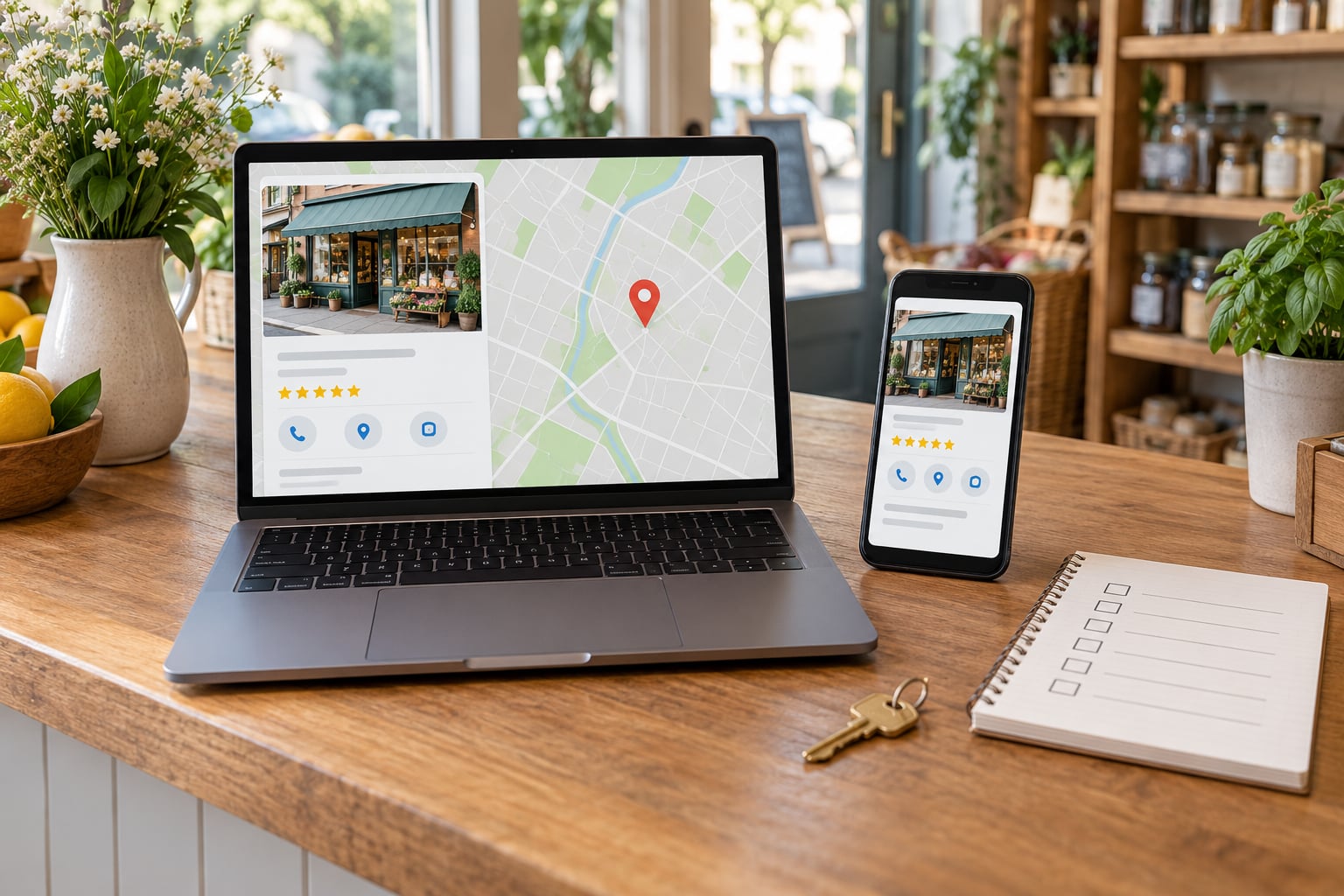
Business hours accuracy matters for local search because those hours decide whether you show up when someone nearby is looking for something open right now. Google and other search engines read published hours as business information: they filter results on it, display it in maps and local results, and pass it to voice assistants and AI summaries. Wrong hours make a perfectly good business invisible at the exact moment a customer is ready to spend.
This guide walks through what accurate hours actually do for your visibility, what breaks when they are wrong, and the routine that keeps them straight.
Table of Contents
- Why Business Hours Accuracy Matters for Local Search
- Five concrete benefits of getting hours right
- How Local Search Engines Use Your Business Hours
- What Happens When Your Hours Are Wrong?
- Where Business Hours Should Match
- How to Keep Business Hours Accurate
- How to Handle Holidays and Temporary Changes
- How to Test Whether Your Hours Are Accurate
- Frequently Asked Questions
- Does accurate business hours directly improve local search rankings?
- How often should I update my business hours?
- Should holiday hours be entered in the regular hours fields?
- What should I do if my business hours differ by location?
- How can I check whether my open-now status is accurate?
- Conclusion
Why Business Hours Accuracy Matters for Local Search
Accurate hours tell a search engine that your listing is safe to recommend at a given moment. That single field feeds filters, ranking decisions, map pins and automated answers, so an error propagates into every surface at once.
Five concrete benefits of getting hours right
- You appear in open-now results. A shopper searching at 6pm on a Friday sees businesses that say they are open. If your listing says you closed at 5, you are filtered out before anyone reads your name.
- You waste fewer drive-bys. Someone who follows directions to a locked door has already spent fuel and ten minutes. They rarely come back a second time.
- Calls and direction requests convert better. Someone calling to check you are open gets an answer, not a voicemail from a business that shut two hours ago.
- Your reviews stay about the right things. People review quality and service. Reviews about arriving at a closed door are the ones you cannot fix later.
- Your listing looks trustworthy next to competitors. When every other detail on a profile is complete and the hours are plausible, the listing reads as a real operating business.
None of these benefits require you to be the biggest business in town. They require the schedule on your profile to match the schedule on your door.
How Local Search Engines Use Your Business Hours
Search engines treat hours as structured business information, the same category as your name, address and phone number. Google describes local results in terms of relevance, distance and prominence, and hours sit inside relevance: they tell the system whether your business can serve the searcher’s intent right now.
Where hours actually show up:
- The open now filter on Google Search and Google Maps, including filters for delivery, pickup and outdoor seating.
- Near me queries such as hardware store open now or clinic open late, where the time of day changes which results make sense.
- The local pack and map results, where hours appear directly under the business name.
- Voice assistant answers, which typically pull hours from the listing rather than the website.
- AI summaries and assistant recommendations, which read listing data to describe when a place is available.
Your website matters here too. If the site shows different hours from the profile, you have handed two systems two versions of the same fact, and at least one of them will show up on a results page at the wrong moment.
What Happens When Your Hours Are Wrong?
Wrong hours rarely look catastrophic in a report. They look like a quiet afternoon of traffic that never arrived, or a review that arrived on a Tuesday saying you were closed on a Tuesday.
- You drop out of filtered results. Searchers who add an open-now filter never see the listing.
- Visits are wasted. Directions get requested, then the customer turns around at the door.
- Calls get abandoned. Someone hunting for an open option rings a closed business and moves to the next result.
- Reviews take a hit. Closed-when-advertised complaints are painful because the listing itself is the evidence.
- Directories drift apart. Each site that nobody updated keeps serving the old schedule to its own audience.
- Branch pages get overwritten. Multi-location owners report Google resetting a branch profile to the main location’s hours, which practitioners tie back to branches lacking their own page on the website.
The trust damage lasts longer than the bad day. A listing that has lied about being open once takes a second look from every future customer who checks.
Where Business Hours Should Match
Hours need to agree everywhere a customer can see them. One source of truth, distributed to the places below.
| Where it appears | Who manages it | What to check |
|---|---|---|
| Google Business Profile | You or a local SEO manager | Regular hours, special hours, more than one profile per location |
| Your website | Web developer or whoever maintains it | Footer hours, contact page, openingHours markup in structured data |
| Bing Places | You, via Bing Places or an agency | Hours copied across from the Google profile |
| Apple Business Connect | You | Hours, holiday hours, and whether Siri picks them up |
| Yelp and other citations | You, or a citation service | Name, phone, address and hours matching your profile |
| Facebook and Instagram | Your social manager | Pinned posts and page info during closures |
| Industry directories | Trade directories and review sites | Hours fields that customers check before booking or visiting |
The highest-leverage technical fix is on your own site. Marking up the schedule with LocalBusiness structured data gives search engines a clean, machine-readable version instead of something they have to guess from page text:
"@type": "LocalBusiness",
"name": "Example Hardware Store",
"openingHours": "Mo-Fr 08:00-18:00",
"openingHoursSpecification": [{
  "@type": "OpeningHoursSpecification",
  "dayOfWeek": ["Saturday"],
  "opens": "09:00",
  "closes": "13:00"
}]
Keep that markup identical to the profile. When the two disagree, search engines and AI tools pick one, and it is rarely the one you would have chosen.
How to Keep Business Hours Accurate
Accuracy here is not talent, it is a short recurring routine. Ten steps, most of them taking a couple of minutes:
- Write down one authoritative schedule, including split shifts and any location differences.
- Give every location its own Business Profile rather than sharing a single profile across branches.
- Give every location its own page on the website carrying its own hours.
- Add openingHours markup to each of those pages.
- Match the hours, name, phone and address across your top directories.
- Assign one named person to own schedule changes, so changes happen once rather than five times.
- Check your profile and top three directories weekly. Five minutes is enough.
- Update the schedule before seasonal hours start, not during the first busy week.
- Re-save the profile after a change and watch until the public listing reflects it.
- Note review sentiment about closure complaints after each correction, so you know whether the fix landed.
Local SEO practitioners tend to describe hours accuracy as the cheapest citation fix available, precisely because it needs no budget, only repetition.
How to Handle Holidays and Temporary Changes
Regular hours describe your normal week. Anything that deviates from it belongs somewhere else, or it will quietly corrupt your baseline.
Holiday and one-off changes go in the special hours fields on the profile, which override regular hours for the dates you set. Overwriting your regular Monday hours every December is how a profile ends up saying it is closed on a Monday in July.
Emergency closures need speed rather than elegance. Update the profile, then the website, then post on social, in that order, and note the reason if it runs more than a day. Practitioners report that changes take time to appear across directories, so check the live listing rather than assuming the edit landed.
For long closures, seasonal businesses and remodel periods, decide deliberately rather than drifting. Leaving a listing open with wrong hours is worse than marking it closed. Suspending a profile is the right call for a genuinely long or indefinite closure, and you can reinstate it later, though the reinstatement is not instant.
How to Test Whether Your Hours Are Accurate
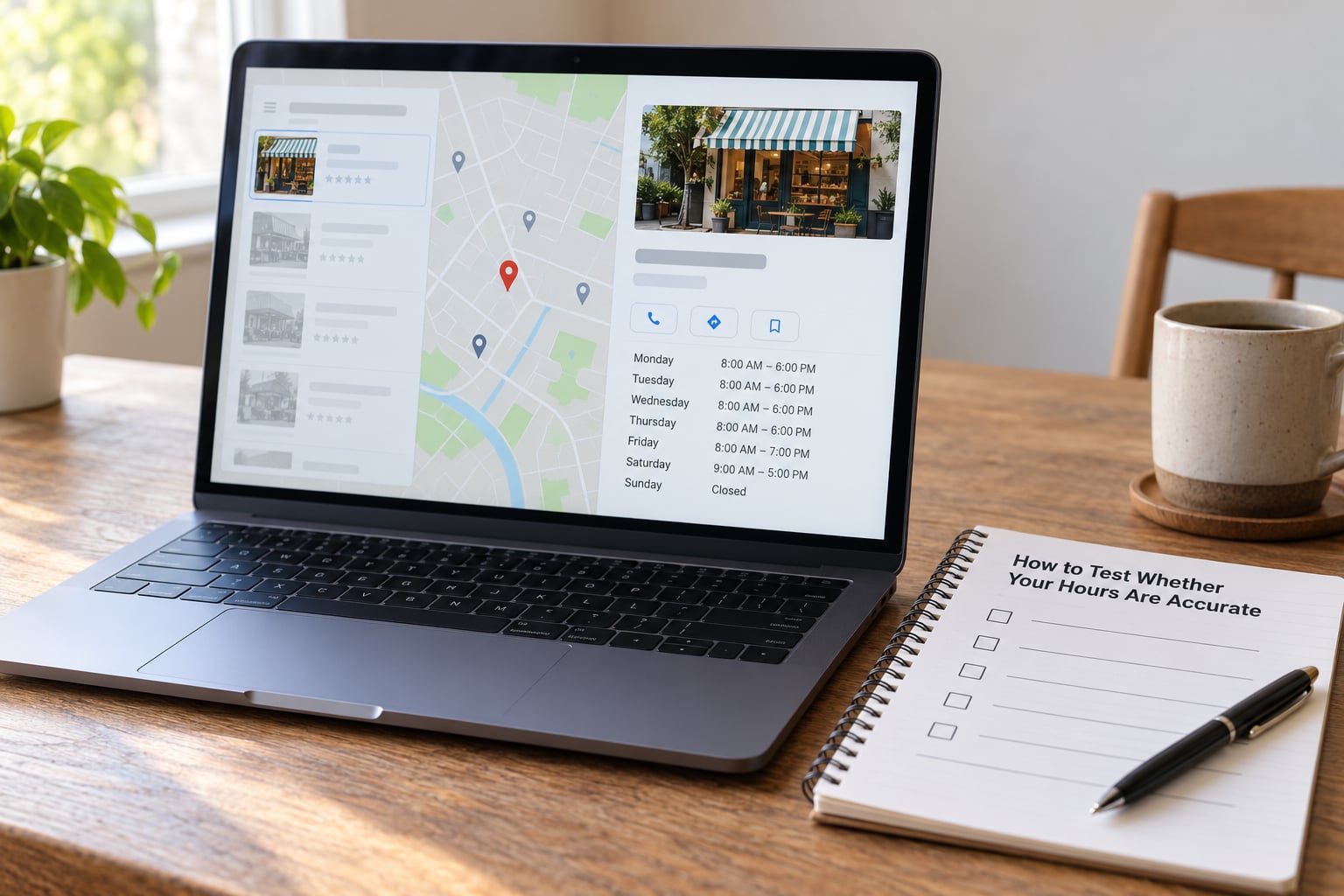
Testing takes about ten minutes and catches most problems. Work through it deliberately rather than trusting your memory.
- Search your business name plus open now at a time you are actually open, and confirm you appear.
- Search again at a time you are closed. Your listing should either not appear or say closed clearly.
- Ask for directions from a different account, in case you are seeing personalised results.
- Compare your profile against your website and your top three directories, line by line.
- On a phone, ask a voice assistant when you open. It usually reads the listing, not your site.
- After any change, wait and re-check the live listing before assuming the edit took.
Run this once a month and after every schedule change. Most of the trouble traces back to a change nobody verified made it out of the dashboard.
Frequently Asked Questions
Does accurate business hours directly improve local search rankings?
Not directly, and any agency that promises otherwise is overselling. Hours mainly affect relevance filtering and whether a customer converts once they see you. Google ranks local results on relevance, distance and prominence, so hours help most through open-now filters, fewer wasted visits and stronger review sentiment. Treat accurate hours as a conversion and trust fix that also supports relevance, not a shortcut around reviews or links.
How often should I update my business hours?
Check weekly and change them the day they change. A ten-minute weekly look at your Google Business Profile and top three directories catches drift before customers do. Bulk-update seasonal schedules before the season starts rather than in the middle of it, and always verify the live listing afterward, since changes can take time to appear across directories.
Should holiday hours be entered in the regular hours fields?
No. Holiday and one-off changes belong in the special hours fields, which override your regular hours for the dates you set. Overwriting your weekly schedule every December is how a profile ends up claiming you are closed on a Monday in July. Keep regular hours as your genuine normal week, and use special hours for anything that deviates from it.
What should I do if my business hours differ by location?
Give each location its own Google Business Profile and its own page on your website carrying its own schedule. Local SEO practitioners report that Google resets a branch profile to the main location’s hours when the branch has no separate page, because there is nothing else to read. Branch-specific hours in the profile plus openingHours markup on each branch page keeps them distinct.
How can I check whether my open-now status is accurate?
Search your business name plus open now from a logged-out browser or a different device, at a time you are open and again at a time you are closed. Then compare what the map listing shows against your website and top directories. On a phone, ask a voice assistant when you open, since assistants usually read listing data rather than your site.
Conclusion
Why business hours accuracy matters for local search comes down to timing. Hours decide whether you are visible to someone searching right now, and whether that search ends in a visit or a wasted trip.
Start by auditing your Google Business Profile against your website and top directories this week, fix the mismatches, then give one person ownership of every future schedule change with a weekly five-minute check. That habit costs almost nothing and removes a whole category of bad reviews.