
Efficient job scheduling with a small crew means giving every job one owner, a realistic start time, and enough travel buffer that the day actually finishes on time. You do it by collecting the week’s work, estimating each job honestly, grouping work by zone, and sequencing each crew’s day like a route rather than a wish list. Set aside about 20 minutes on Sunday and 10 minutes each morning, and the whole system runs on a shared calendar and a notebook. Most owners who struggle with this are not short on jobs. They are short on a repeatable routine.
Here is the routine in three moves: Plan (what must happen and how long it really takes), Place (who does it, in what order, with travel built in), and Publish (whoever needs to know has seen it before the crew leaves). Everything below expands those three moves into a full process.
Table of Contents
- What You Need Before You Build Any Schedule
- Whiteboard, Spreadsheet, or Scheduling App?
- Step-by-Step: The 8-Step Small-Crew Job Scheduling Process
- 1. Decide Which Jobs Actually Must Get Done Today
- 2. Estimate Job Duration Honestly and Add a Buffer
- 3. Match Jobs to Crew Skills and Real Availability
- 4. Build the Day as a Route, Not a List
- 5. Give Every Job One Owner and a Customer Checkpoint
- 6. Run a 10-Minute Daily Planning Meeting
- 7. Check Progress Midday and Re-sequence the Rest
- 8. Review the Week and Fix Your Estimates
- Common Mistakes Small Crews Make With Job Scheduling
- Frequently Asked Questions
- How do I schedule urgent jobs without disrupting the rest of the day?
- What is the best scheduling method for a small field crew?
- How much buffer time should I add between jobs?
- How do I keep crew members informed when the schedule changes?
- How can I tell whether my crew schedule is working?
- Conclusion
What You Need Before You Build Any Schedule
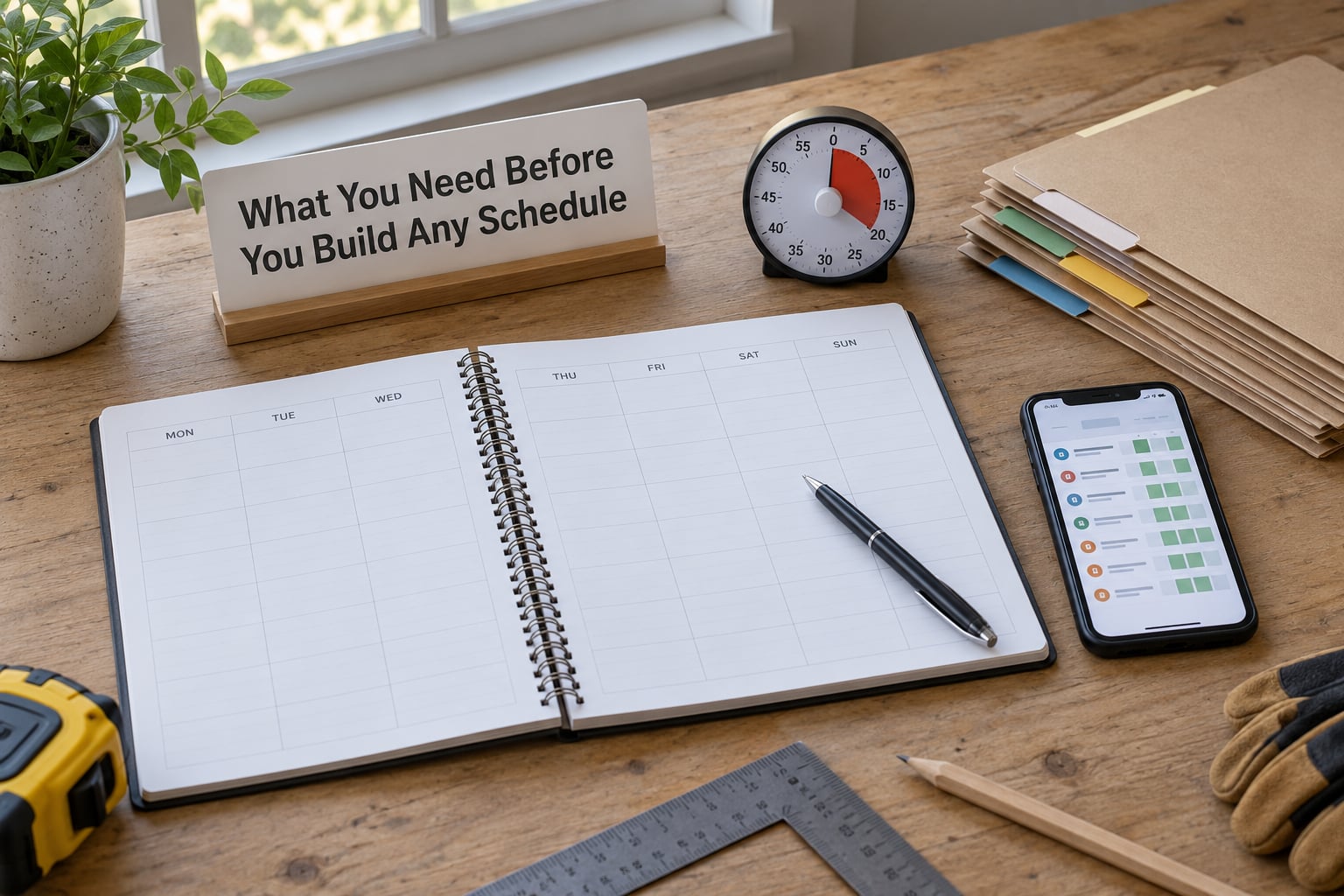
Scheduling fails when it starts from the crew side of the table. You know who is off, but not which job is actually urgent, or how long the last one of that type took. Gather these seven things first and the rest of the process takes minutes rather than an evening.
- A job list with location and scope. One line per job: what it is, where it is, who the customer is, and what “done” means.
- A duration estimate for every job. A number, even a rough one. No estimate means no schedule, only a hope.
- Customer time-window promises. “Someone between 8 and 11” is a planning fact, not a suggestion.
- Travel distance or drive time between jobs. Five minutes across town is not the same as 40 minutes across the county.
- Crew skills, certifications and equipment. Who is licensed for the gas line, who has the lift, who can finish the tile.
- Availability and approved time off. Collect requests by a fixed day, not the night before.
- One shared calendar everyone can see on a phone. Google Calendar is enough for a crew of four. Paper on a wall is not, because nobody sees it from the truck.
Most small operators run a mix of a shared calendar plus paper or text, and that is a perfectly reasonable setup. The forum consensus among contractors is fairly consistent on one point: dedicated dispatch software starts paying for itself somewhere around eight to ten concurrent jobs or a second crew, not for one crew of four.
Whiteboard, Spreadsheet, or Scheduling App?
The right tool depends on one question: how many changes hit the schedule in a week? Pick by change volume, not by how professional it looks on the wall.
| Option | Setup time | Works best when | Where it breaks |
|---|---|---|---|
| Whiteboard or paper | 5 minutes | One crew, same building, few jobs per day | Anyone out of the room cannot see a change |
| Spreadsheet (Excel or Google Sheets) | 1 to 2 hours to build, then maintenance | Five to 15 people, mixed job types, you want reporting | Formulas break, and only one person really understands it |
| Shared calendar | 20 minutes | Small crews who mostly need visibility and mobile access | Weak at duration estimates, zones, and skill matching |
| Scheduling or field service app | A few days, including training | Multiple crews, 10+ concurrent jobs, invoicing tied to jobs | Too rigid for a small team, and crews resist logging into it |
Start with a shared calendar plus a printed job list. Move to a spreadsheet when you want weekly reporting, and move to an app when you are running two crews at once.
Step-by-Step: The 8-Step Small-Crew Job Scheduling Process
1. Decide Which Jobs Actually Must Get Done Today
Sort the day’s work into three buckets: must happen today, can slip to tomorrow, and hard deadline that cannot move. Anything in the third bucket that is not also in the first bucket is a scheduling problem you created earlier.
The test for “must happen today” is simple. Will missing it cost you money, a customer relationship, or a compliance requirement? A leaking supply line qualifies. A quote follow-up that could go out Friday does not, no matter how much you want it done.
For a three-person crew, most days hold four to six jobs. Anything past that and you are not scheduling, you are queueing.
2. Estimate Job Duration Honestly and Add a Buffer
Estimate each job at three points: the work itself, plus setup and cleanup, plus a contingency of about 15 percent. A 45-minute repair becomes a 75-minute block once you count driving to the parts counter, staging the tools, cleaning up, and the one stripped screw nobody warned you about.
If you have no job history yet, start from a reference figure: the best-case time you would tell a customer on the phone. Then add 30 percent on the first pass of the month. Track the difference and correct downward. Owners running new crews usually find their first estimates run about a third light, and that gap is exactly where idle drive time and late arrivals come from.
Write estimates down per job type, not per job. Ten similar service calls give you a real average; ten different one-offs do not.
3. Match Jobs to Crew Skills and Real Availability
Assign by skill, certification, equipment, location and confirmed availability, not by giving everyone an equal number of jobs. Equal job counts are a fairness idea borrowed from shift work. In job scheduling it produces a licensed electrician idling in the truck while a helper stands on a roof.
A workable rule of thumb for planning: one-person jobs need one qualified person and the right van. Two-person jobs need two people who work well together, ideally ones who have shared that job type before. Three-person jobs should stay rare. If half your week is three-person work, you are one absence away from a cancelled day.
Confirm time off at a fixed point in the week, not on request. People who ask for a Friday off three days early get a yes. People who ask at 6am get a maybe, and a maybe becomes a no-show at 8am.
4. Build the Day as a Route, Not a List

Group the day’s jobs into geographic clusters, then order each cluster so the crew drives a loop instead of crisscrossing town all day. Sorting by zone rather than by customer promise is where small crews recover real hours.
Then place travel time between blocks as though it were a job. Add the drive time, then add a 15-minute buffer on top for parking, unlocking, finding the right unit, and the previous customer who will not let the crew leave.
Build in one genuine break. A crew that gets a 30-minute midday break works the afternoon faster than one that has been running since 7am without stopping, and it avoids the slowdowns that turn a 3pm finish into a 6pm finish.
5. Give Every Job One Owner and a Customer Checkpoint
Each job card carries five fields: one owner’s name, a start time, a completion target, the materials required, and the customer checkpoint. That last one is the moment the crew tells the customer something useful, such as a part ETA or a second visit.
Shared ownership is the quiet cause of most wasted hours on a small crew. When two people both assume the other is handling the call-back, the customer waits and the crew finds out at the end of the day. One owner per job, always.
Send the schedule out before the crew leaves, not after. A crew that reads the day at 7:30am can ask a question at 7:40. A crew that reads it at 9am has already lost an hour.
6. Run a 10-Minute Daily Planning Meeting
Stand up, keep it short, cover five things: today’s top priority, each person’s first task, materials loaded or not yet, any change since yesterday, and any customer who needs a heads-up before arrival. Ten minutes is enough. Twenty is where it turns into a meeting about last week.
Ask each person to say the first job out loud. It takes about two minutes and it catches most misalignments, because the person who did not hear their name knows something is missing before they are halfway across town.
7. Check Progress Midday and Re-sequence the Rest
This is the part most crews skip, and it is where the day is actually won. At one point in the afternoon, ask each person for a simple status: finished, on track, or running behind, with an honest finish time.
Then re-sequence the remainder of the day in one move. If the morning repair ran long, something has to give: move the flexible job, pair the two short jobs together, or push a job to tomorrow and call the customer before they call you.
Most forum complaints about scheduling trace back to this gap. The work is not the problem; the change nobody communicated until the evening is. A crew that finds out at 11am that job three moved to Thursday can absorb it. A crew that finds out at 4pm cannot.
8. Review the Week and Fix Your Estimates
On Friday, compare planned time against actual time, job by job. You are looking for patterns, not a verdict on anyone.
Table 1 is the review sheet I would keep. Copy the grid, fill it in for one week, and it tells you where the day breaks.
| Job | Day | Planned hrs | Actual hrs | Drive min | Variance |
|---|---|---|---|---|---|
| Supply line repair | Mon | 1.5 | 2.0 | 25 | +0.5 |
| Panel upgrade | Mon | 3.0 | 2.5 | 18 | -0.5 |
| Water heater swap | Tue | 2.5 | 3.0 | 40 | +0.5 |
| Quarterly PM visits (3) | Tue | 3.0 | 2.75 | 55 | -0.25 |
| Emergency callout | Wed | 1.0 | 2.25 | 35 | +1.25 |
| Install + cleanup | Wed | 2.0 | 2.0 | 20 | 0 |
Two things jump out of a week like this. The emergency callout ran 125 percent over, which tells you it needs its own category with a bigger buffer. And the panel upgrade came in under, which tells you your estimate for that type was conservative and you can tighten it next month.
Update the estimate sheet, not your memory. Correct the number that was wrong, leave the rest alone, and carry the change into next week’s plan.
Common Mistakes Small Crews Make With Job Scheduling
Overloading the day. Eight jobs on a three-person crew looks like ambition and pays like a scramble. Fix: cap the day at what the crew finishes on time, then tell the sales side what the real capacity is this week.
Ignoring travel time. Two jobs 40 minutes apart are not two jobs back to back. Fix: put the drive time in the schedule as its own line, every time, and add 15 minutes on top.
Unclear ownership. Shared responsibility reads as shared. Fix: one name per job, written down.
Scheduling with zero buffer. A plan with no gap fails at the first surprise, and there is always a first surprise. Fix: 15 percent of the day held back for the job that grows.
Changes nobody was told about. The crew hears about a moved job from the customer. Fix: one shared calendar everyone checks, plus a text the moment something moves.
Measuring only by jobs finished. Six jobs can be a bad day if three were driven to, fixed badly and driven back to. Fix: track on-time arrival and rework alongside volume.
No backup for absences. One person calls out and the day collapses because no one else can do that work. Fix: keep a short standby list of people who can cover the two or three job types you run most, and cross-train toward it deliberately.
Frequently Asked Questions
How do I schedule urgent jobs without disrupting the rest of the day?
Keep one flexible job in each crew’s day, roughly 60 to 90 minutes of unassigned time, and place urgent work into that slot rather than on top of a booked job. If nothing is open, move the lowest-priority job to tomorrow and call that customer yourself before they call you. Founders running 4 to 10 person crews find the reserve slot is the whole trick, since most days can absorb one interruption without a rebuild.
What is the best scheduling method for a small field crew?
Zone-based, skill-matched sequencing on a shared calendar is the best fit for crews under 10 people. Group jobs geographically, assign them by certification and equipment, order each crew’s day as a route with travel time entered, then adjust once midday. Contractor forums consistently point out that dedicated dispatch software tends to pay off around 8 to 10 concurrent jobs or a second crew, not sooner, so the simple setup is the right starting point.
How much buffer time should I add between jobs?
Add 15 minutes on top of the actual drive time, and add more for the first job of the day. Across town, 40 minutes of driving becomes a 55-minute block once you include parking and setup. Jobs needing parts or customer sign-off need a longer buffer still. The practical test: if your average gap between jobs is under 10 minutes, your day has no room to absorb anything going wrong.
How do I keep crew members informed when the schedule changes?
Put every change in one shared calendar and message it the moment it is decided, not at the end of the day. Keep changes to one direction of travel so the schedule version matches what people are reading. Crews consistently report that the worst part of rescheduling is hearing about it late, so a short text beats a long conversation, and telling people what changed matters more than telling them everything.
How can I tell whether my crew schedule is working?
Track five numbers each Friday: on-time arrival rate, jobs completed per crew day, drive time as a share of the day, planned versus actual hours on each job, and overtime hours. If drive time creeps past a quarter of the day, your zones are wrong. If actual hours run above planned on the same job type for three weeks, the estimate needs raising. Numbers, not impressions, tell you which one to fix first.
Conclusion
Start today, not Monday. Write down the jobs that must get done, put a realistic number of minutes on each one including cleanup, assign one owner per job, and lay the day out as a route with drive time and a 15-minute buffer between stops. Then put 20 minutes on the calendar to build next week the same way. Once that routine holds for three weeks, add a midday check and start watching your on-time rate.