
You can track business expenses without an accountant by doing four things on a schedule: keep money in a dedicated business account, pick one recording system and stick to it, log each purchase the day it happens with its receipt, then sit down once a month and reconcile your records against the bank statement. Set up the first three in about an hour and the monthly review takes twenty minutes.
That is genuinely all bookkeeping is at small-business scale. The rest is habit, not expertise. What follows is the setup I would hand a new owner, including the exact columns a spreadsheet needs and the moments where a professional is worth the money anyway.
Table of Contents
- What You Need to Track Business Expenses Without an Accountant
- How to Track Business Expenses Without an Accountant: Step by Step
- Choose a Tracking System
- Create Expense Categories
- Record Each Expense As It Happens
- Match Receipts to Transactions
- Review the Numbers Monthly
- Do a Quarterly Cleanup
- What to Hand a Tax Professional at Year-End
- How to Split Shared and Mixed-Use Expenses
- Common Mistakes That Cost You Deductions
- Frequently Asked Questions
- What is the easiest way to keep track of business expenses?
- Do I need an accountant to track my business expenses?
- What is the 75 dollar rule for receipts?
- What is the 2,500 dollar expense rule?
- What is the best free app for tracking expenses and receipts?
- How long should I keep business expense records?
- Start With One Simple System
What You Need to Track Business Expenses Without an Accountant
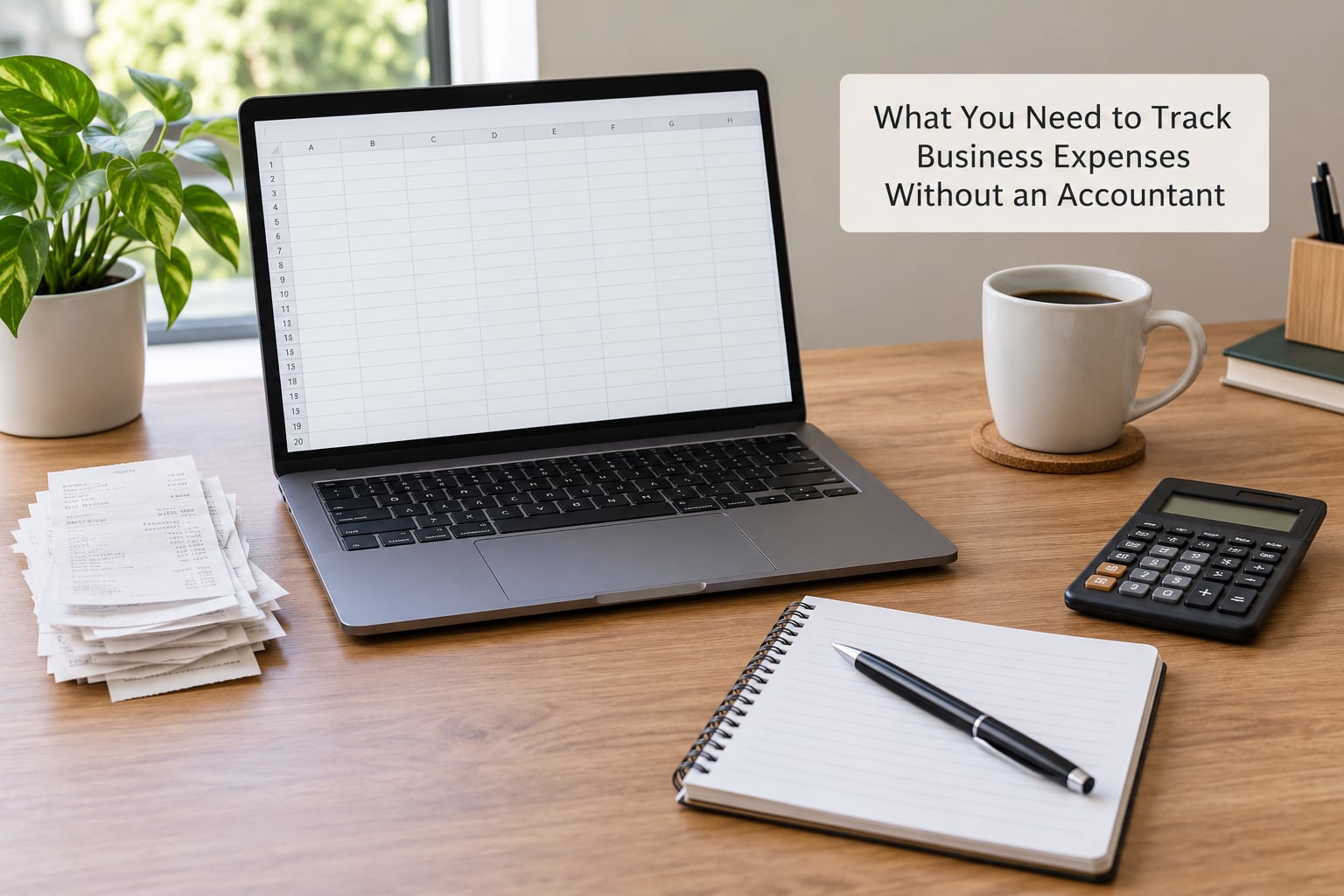
Four things. Each one removes a decision later, which is the whole point.
A dedicated business bank account and, ideally, a business card. This is the single highest-value item on the list. Owners on forums describe it as the one habit they would never give up, and the reason is mechanical rather than moral: when every business dollar lands in a separate account, the transactions are already labeled by their source. Sorting disappears.
One recording method. A paper notebook, a Google Sheets or Excel file, a free app tier, or paid software. One. The failure mode here is not the tool, it is running two systems at once and slowly abandoning both.
Receipt capture. Your phone camera is enough. The decision you need to make now is where the images go: a cloud folder with automatic backup, or a scanning app that files and names them for you. Paper-only works for the first few months, when the shoebox stops being searchable.
A mileage log. Separate from expenses, because vehicle costs get claimed as a mileage deduction or as actual costs, never both, and you cannot reconstruct January’s mileage in April.
That is the kit. No hardware, no subscriptions required to start.
How to Track Business Expenses Without an Accountant: Step by Step
Choose a Tracking System
Match the system to your transaction volume, not to your ambitions. Owners routinely describe the spreadsheet working beautifully for months and then collapsing once volume climbed past a certain point, which is normal and not a failure of discipline.
| Monthly transactions | System that fits | What you give up |
|---|---|---|
| Under 30 | Spreadsheet or notebook | No automatic matching to bank feeds; you type totals yourself |
| 30 to 100 | Free app tier with a linked bank feed | Transaction caps and limited report exports on most free plans |
| 100 to 300 | Paid accounting software | Subscription cost; some setup time to import opening balances |
| Over 300, or cash-heavy | Software plus a bookkeeper for reconciliation only | You are paying for hours, not full-time help |
On free tiers specifically: most give you the whole basic loop, receipts and a bank feed and a profit-and-loss view. What they usually limit is user seats, receipt volume, the number of reports, and how far back your data goes. Owners complain about hitting a wall mid-year, so check the caps before you build a year of records into one of them.
For cash-heavy work, a cash register or a daily cash-count sheet matters more than any app choice, because it is the only record that survives a drawer.
Create Expense Categories
Categories are how you answer “where did the money go” without reading every line. Keep the list short. Twelve to fifteen categories is plenty for most small businesses, and owners often regret building a fifty-row chart of accounts they never fill in.
| Category | Examples | Tax note |
|---|---|---|
| Vehicle and mileage | Fuel, maintenance, parking, tolls | Claim either the standard mileage rate or actual costs, never both |
| Supplies and materials | Tools, consumables, packaging | Ordinary and necessary purchases |
| Software and subscriptions | Hosting, design tools, phone plan | Business portion only on mixed plans |
| Marketing and advertising | Print, signage, ads, business signage work | Generally deductible as advertising |
| Office and rent | Rent, utilities, cleaning | Business share of a home office is not the same as a rent deduction |
| Professional services | Legal, bookkeeping, insurance | Separate from your own fees |
| Meals and travel | Client meals, flights, hotels | Only partly deductible, with documentation requirements |
| Fees and licenses | Business licenses, payment processing, permits | Deductible in the year paid |
Now the part most beginners skip. Four types of transaction are not expenses and should never land in an expense category: owner draws, transfers between your own accounts, deposits of business income, and personal spending. Tag them separately or mark them “not a business expense.” Mixing them in is the most common reason a year-end summary is wrong, and it is a five-minute fix if you set it up now.
Inventory deserves its own line. For a small retail or ecommerce operation, the cost of goods you sell is tracked differently from operating costs, and lumping them together makes your margins meaningless.
Record Each Expense As It Happens
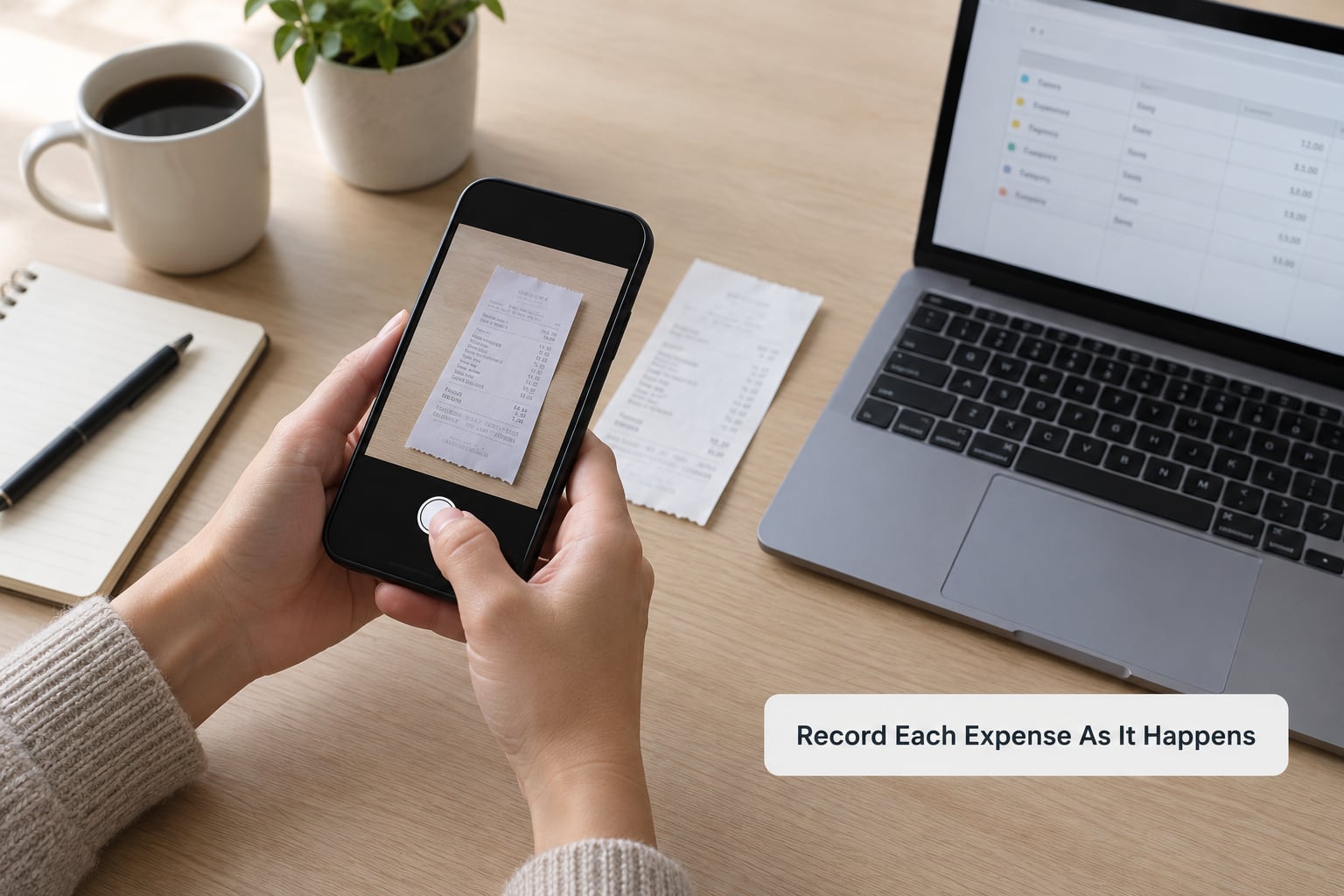
Every entry needs the same seven fields. Same seven, every time, no exceptions, because the value comes from being able to sort the file without re-reading it.
- Date
- Amount
- Vendor
- Category
- Payment method and account
- Business purpose, in a few words
- Receipt location
That last field is the one people forget, and it is the one that saves you in an audit. A filename or a photo ID is enough.
In Google Sheets or Excel, put those seven as column headers in row 1 and freeze the row so it stays visible. Then add a column for the tax year, a summary line at the bottom, and a filter on the category column. If you want monthly and category totals without typing them, =SUMIF(B2:B400,D2,D:D) adds every amount in column B where the category in column D matches the category you named in cell D2. Change D2 and the total follows.
Name receipt files so they sort themselves: 2025-03-14_lowes_lamp_142.55.jpg. Date first means the folder lists in date order without you doing anything, and the amount at the end means duplicates are obvious. Store them in one cloud folder per year, not in your camera roll.
For mileage, keep a separate log with date, destination, business purpose, and miles. If you have a vehicle wrap or lettering on the truck, that cost belongs in vehicle expenses and is tracked on its own line rather than folded into the mileage rate.
Match Receipts to Transactions
A receipt without a matching transaction is clutter, and a transaction without a receipt is a deduction you may lose. Link the two at the moment you record the entry.
For digital receipts, email or message the confirmation to yourself so it lands in email, then file it with the naming convention above. For paper, keep a single envelope per month, and write the date and amount on the front of each receipt the day it comes in. At month end, match the envelope to your entries, then scan anything over the receipt threshold that applies to your situation.
Three situations need a plan rather than a hope. Missing receipts: log the transaction anyway with “receipt requested” in the notes, then chase it once. Damaged receipts: photograph both sides the day you receive it. Cash with no paper trail, which owners on small business forums worry about constantly: write down the date, amount, who you paid, and the business purpose at the counter, then corroborate it with your bank or ATM record later. A contemporaneous note plus a bank record is far stronger than a reconstructed memory, and costs thirty seconds.
If some spending happened on a personal card before your business account existed, log it now with a note marking the personal-card reimbursement. Do not quietly drop it, and do not try to rebuild a year of statements by memory in April.
Review the Numbers Monthly
Block twenty minutes on the same day each month. The review is five checks, not a study session.
First, every uncategorized or “not sure” entry gets a real category. That pile should never exceed a handful, because it is the pile that quietly becomes permanent.
Second, scan for unusual spending. A single charge three times your usual amount is usually a subscription you forgot renewing, not a decision you made.
Third, count your uncategorized and unreceipted transactions again after you fill them in. Both numbers should trend toward zero.
Fourth, look at every cash withdrawal from the business account. Cash is the only place a small business loses its audit trail, so treat each withdrawal as something to explain in one line.
Fifth, move your estimated tax percentage into a separate holding account. Owners skip this and then feel a large bill in April. Whatever percentage your situation calls for, move it the day you set it aside and the anxiety mostly disappears.
While you are in there, compare the month’s totals against what you budgeted. Two of the common asks on money forums are about setting prices and finding out which services actually make money, and both need the monthly number, not the year-end number.
Do a Quarterly Cleanup
Once every three months, spend an hour going deeper. Recategorize anything that was wrong or ambiguous. Reconcile every transaction against the bank statement line by line, and mark the ones with no entry in either direction so you know they are resolved rather than simply missing.
Archive receipts for the completed quarter to long-term storage and clear them from the working folder, so the active year stays clean.
Write down every judgment call you are unsure about. Vehicle costs claimed both ways, meals with clients versus meals for yourself, a home office measured slightly differently than last quarter, anything allocated across two uses. Put those on one page with a note about your reasoning. That page is what you hand to a tax preparer in the spring, and it turns an expensive consultation into a short review.
What to Hand a Tax Professional at Year-End
Even if you never hire anyone for the books, you will probably use a preparer for the return. Hand them a clean file rather than a shoebox: a categorized expense export for the year, your income totals, the mileage log, the receipt folder, and that one-page list of judgment calls.
How to Split Shared and Mixed-Use Expenses
Home internet, a phone plan, a vehicle, a laptop used for both work and Netflix. This is where self-managed records get challenged, because there is no clean answer that fits every household. What there is, is a consistent method you can explain.
Start with a business-use percentage for the whole item, not the bill. Work out how much of the actual resource the business consumes, then apply that percentage to every invoice for it. A phone on a plan of eighty dollars a month, used for business calls about a quarter of the time, gives you a business share of twenty dollars. Do not go line by line through each invoice; that produces different numbers every month and no defensible pattern.
Keep the calculation, not just the result. A note in your spreadsheet that says “phone: 25% business, based on call logs and workday usage” is worth a great deal later. Recalculate on a schedule you will actually hit, such as every six months or whenever your usage pattern obviously changes, and note the date of the recalculation.
Home office needs a measurement you can repeat. Decide on a method, measure the room once, write the number down with the date and a rough sketch, and use that same number every year unless the room changes. Owners who remeasure casually each quarter end up with a different deduction each time, which is the kind of inconsistency that invites questions.
Vehicle costs are the exception, not an example. You choose between the standard mileage rate and tracking actual costs for the vehicle. Both approaches are legitimate; claiming both on the same mileage is not. Whatever you pick, apply it consistently and keep the mileage log that supports it.
Mixed household items are where opinion becomes judgment. A portion of the grocery bill, a family holiday, a home internet line that also carries personal use. Take the business fraction when one genuinely exists, and note your reasoning when it is thin. Thin reasoning written down is far better than thin reasoning discovered in an audit.
This is one of the areas where owners on money forums most often say they wish they had asked someone. That is precisely why it belongs on your one-page list of judgment calls for a professional to review, rather than being quietly absorbed into the monthly total.
Common Mistakes That Cost You Deductions
Mixing personal and business spending. This is the expensive one. Commingled accounts mean every dinner, every personal fuel stop and every household bill becomes a classification argument, and the ones you cannot defend simply come out of your deduction total. Fix: move the separation up front, and backfill old months with an honest note about what was personal.
Waiting until tax season. Receipts fade, vendors stop answering emails, and your own memory of a February purchase is useless in April. The answer is obvious and still the one most owners skip. Fix: log the day it happens, even if it takes ninety seconds.
Recording only totals. A month-end summary without vendor, category and purpose cannot answer a question at tax time, and it cannot tell you which job or client a cost belonged to. If you bill by project, tag expenses with a job code from day one.
Dropping small purchases entirely. Low-value expenses are where the quiet deductions live: a replacement adapter, a stack of shipping boxes, a toll here and there. Nobody overwrites the spreadsheet for a small purchase. Fix: set a small threshold, like anything over twenty, and log the rest monthly.
Claiming the same cost twice. Mileage and actual vehicle costs cannot both be claimed. Nor can a home office deduction and a simplified office allowance on the same square footage. Fix: decide once per year, write it down, and stay consistent.
Never reconciling. Your records and your bank statement drift apart, and the drift is always in the direction of missing expenses. Fix: the monthly check, every month, even in months you think nothing happened.
The habits that keep all this alive take under five minutes a week: a Friday look at the week’s uncategorized pile, and one glance at whether every purchase has a receipt attached. That is the whole maintenance load for most businesses doing under about a hundred transactions a month.
Frequently Asked Questions
What is the easiest way to keep track of business expenses?
The easiest method is a dedicated business bank account plus one place to log every purchase, with the receipt attached when the entry is created. Most owners under about thirty transactions a month use a spreadsheet; above that, a free app with a linked bank feed saves typing. The tool matters far less than logging on the day and reconciling monthly.
Do I need an accountant to track my business expenses?
No, not for tracking itself. A spreadsheet or a free app tier covers recording, categorizing and reconciling for a small business. You may still want a professional for the annual return, for multi-state or multi-entity setups, and for judgment calls on deductions, meals, vehicle costs and home office measurement. Keep a running list of those questions.
What is the 75 dollar rule for receipts?
It is a recordkeeping threshold, not a permission slip. Under current IRS practice you need a receipt for most expenses at or below a certain small amount, and generally nothing is required for items costing less than about 75 dollars, though accounting methods and state rules vary. Keep a receipt whenever in doubt, because the burden of proof sits with you.
What is the 2,500 dollar expense rule?
Commonly called the de minimis safe harbor, it lets you deduct certain small items paid in cash without a receipt, up to a total that applies to your accounting method. It is not a blanket exemption and it does not cover payroll, federal tax payments, or anything paid by credit card or through a payment app. Confirm the amount and method that apply to you.
What is the best free app for tracking expenses and receipts?
For basic needs, a spreadsheet plus a cloud folder for photos is genuinely free and hard to beat. Free tiers of the mainstream accounting apps add bank feeds and automatic categorization, and they suit you if you expect 30 to 100 transactions a month. Check the caps on users, receipts and report exports before committing, since owners most often hit those limits mid-year.
How long should I keep business expense records?
Most general recordkeeping guidance points to three years, with about four years applying to certain employment tax records and longer periods if you have an audit, a collection issue or an asset you have depreciated. Digital copies count. Keep receipts for the life of the related asset, and check what your own state requires, since it can exceed the federal baseline.
Start With One Simple System
Open the business account this week. That single move does more for your records than any app decision, because it makes every transaction arrive pre-labeled. Then pick one place to log purchases, set the seven fields, and put twenty minutes on your calendar each month for the review.
Everything else in this guide is detail on top of that. Tax rules, deduction thresholds and record requirements differ by state and country and change over time, so treat the numbers here as orientation and confirm the ones that matter to your return before you file.