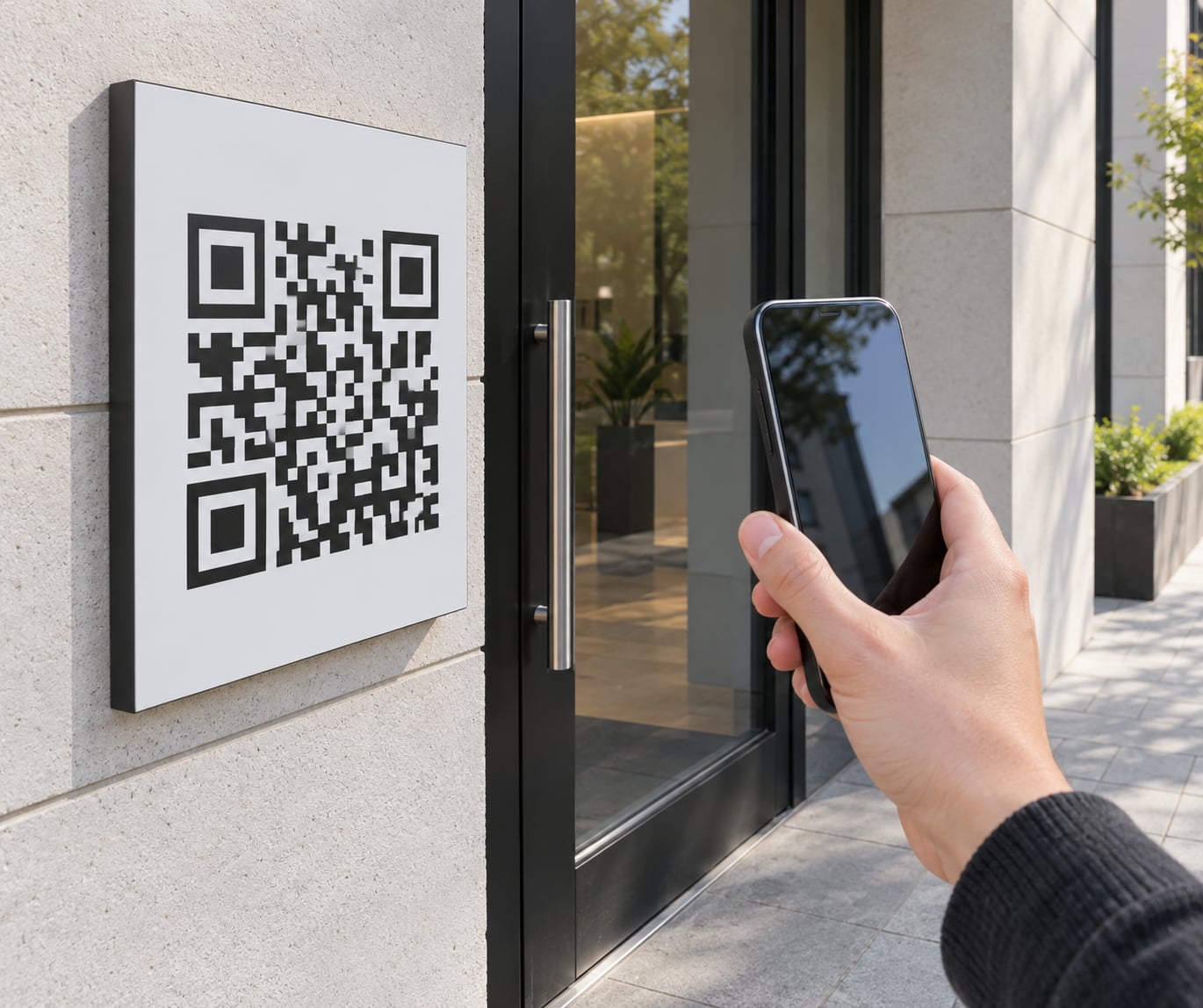
Yes, people do scan QR codes on signs, but far less often than the marketing claims suggest. Whether a code on your storefront, vehicle wrap or billboard actually gets scanned depends on size, viewing distance, lighting and where the code sits in the layout. Signs work as a destination, not a shortcut.
The honest answer is that nobody has a trustworthy, public benchmark for signage scan rates. The one figure that circulates widely, 6.4 percent, comes from a QR vendor talking about direct mail, not signs. Everything else you read on this topic is either an estimate or a vendor’s own customer average. So this guide focuses on what you can control and verify yourself.
Table of Contents
- So do QR codes on signs actually get scanned?
- Why the published numbers do not settle it
- What determines whether people scan a QR code?
- Size of the code relative to the viewing distance
- Contrast between the code and its background
- Clear space around the code
- Viewing angle and motion
- Lighting and surface finish
- Whether the destination is worth it
- Whether the phone is actually available
- QR code scan success by sign size and placement
- Where to put it on the sign
- When a QR code is the wrong choice
- How to design a QR code people can actually use
- Keep the background plain
- Use contrast that survives the medium
- Choose error correction for the conditions, not the trend
- Add the logo in the centre, not the edges
- Make the destination mobile and fast
- Write a call to action beside the code
- How to test whether your sign QR code works
- Run a print proof at final size
- Scan it with several phones
- Test at real distances and angles
- Test in bad light and on the real surface
- Re-test after installation, and again in three months
- How to measure scans and improve the result
- Give every sign face its own code
- Tag the link before printing, not after
- Decide dynamic versus static before the artwork is final
- Measure scans per impression, not raw scans
- Expect the drop after the scan
- Budget for durability
- Frequently Asked Questions
- Do QR codes on signs actually get scanned?
- How far away can a QR code be scanned?
- Are QR codes effective on signs?
- Is it illegal to put a QR code on a billboard?
- What is the downside of QR codes on signage?
- What actually happens when you scan a QR code?
- Conclusion
So do QR codes on signs actually get scanned?
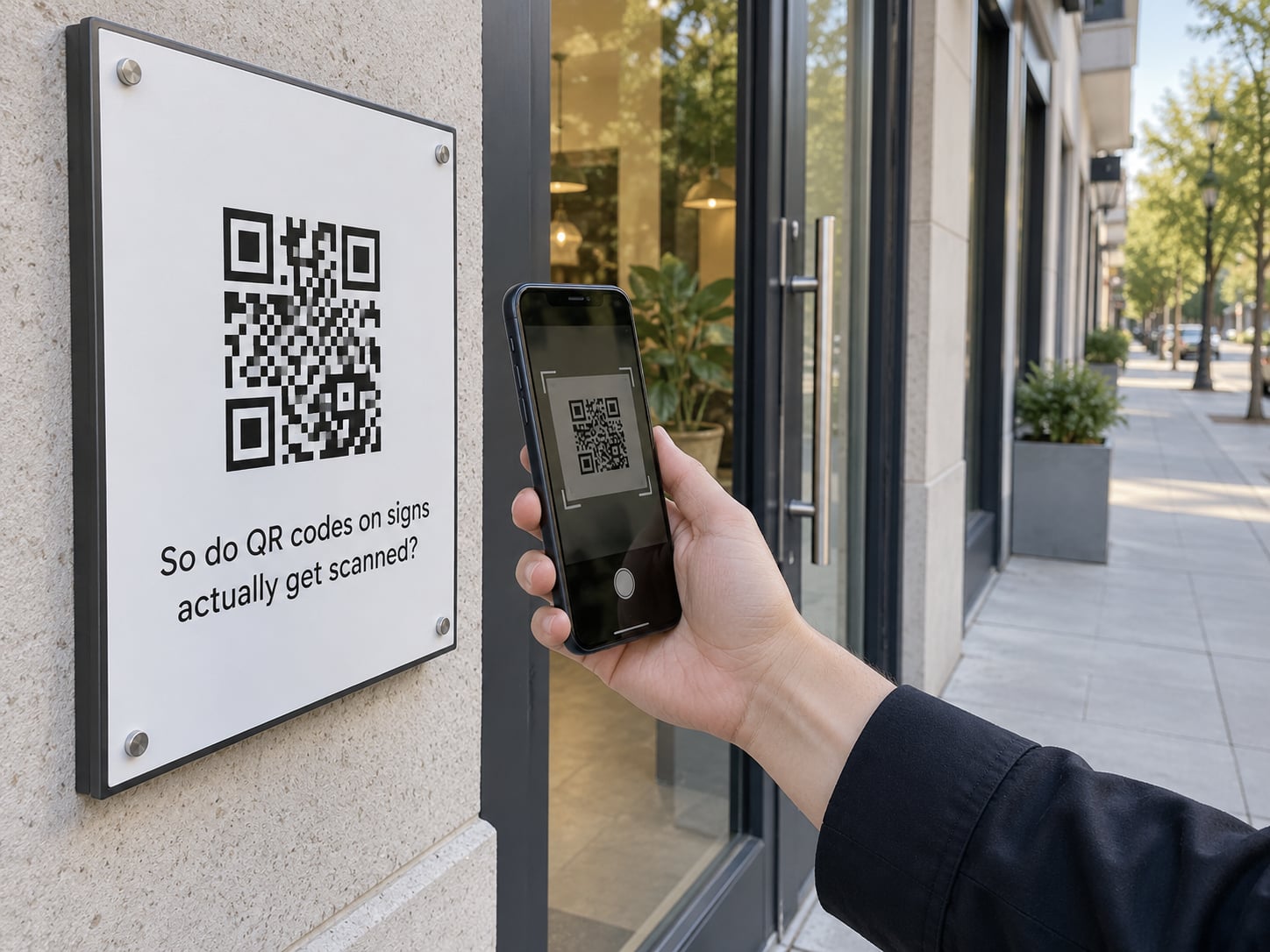
Yes, and the number is low enough that most sign buyers underestimate it. A person has to see the code, have a phone in hand, decide the destination is worth the effort, and hold still long enough to scan. Each of those steps drops off. That is why a sign can sit in front of thousands of people a week and register single-digit scans.
Signs are also the worst environment for a QR code compared with anything else you print. A person holding a restaurant menu is committed to reading it, so the scan is free attention. A driver or a passerby is not, and the code has to win a competition it usually loses.
The practical verdict: a code on a sign is worth it when the viewer is already close, stationary and holding a phone. It is mostly wasted when it is mounted high, read at speed, or placed on a sign that people pass at forty miles an hour.
Why the published numbers do not settle it
Search for QR scan rates and you will find confident figures attached to almost any format. Those numbers share a problem: none of them show how impressions were counted, and most come from companies that sell the software producing the measurement.
| Figure you will see online | Where it appears | What it actually measures |
|---|---|---|
| 433 percent increase in scans | Several unrelated vendor blogs, citing each other with no original study | Growth in scans on one vendor’s platform across a three-year window, not market growth |
| 37 percent click-through rate for QR journeys | QR vendor blog | QR-initiated visits compared with display ad impressions, which is not a like-for-like comparison |
| 71 percent of consumers find QR codes beneficial | Regional print shop blog | A survey question, with no sample, date or wording published |
| 59 percent scan QR codes daily; Gen Z 83 percent, Millennials 81 percent | UK agency blog | Self-reported survey answers, published without methodology |
| 6.4 percent response rate | QR vendor blog | The vendor’s direct mail customers, and mail is a high-attention format |
None of these are fabricated. They are simply not measurements of a sign. The 433 percent figure appearing on at least three unrelated vendor sites is the clearest sign of it: one uncited number recycled until it looks like an industry standard.
For your own sign, the only number that matters is the one you generate. We will get to how to set that up before the printer runs the artwork.
What determines whether people scan a QR code?
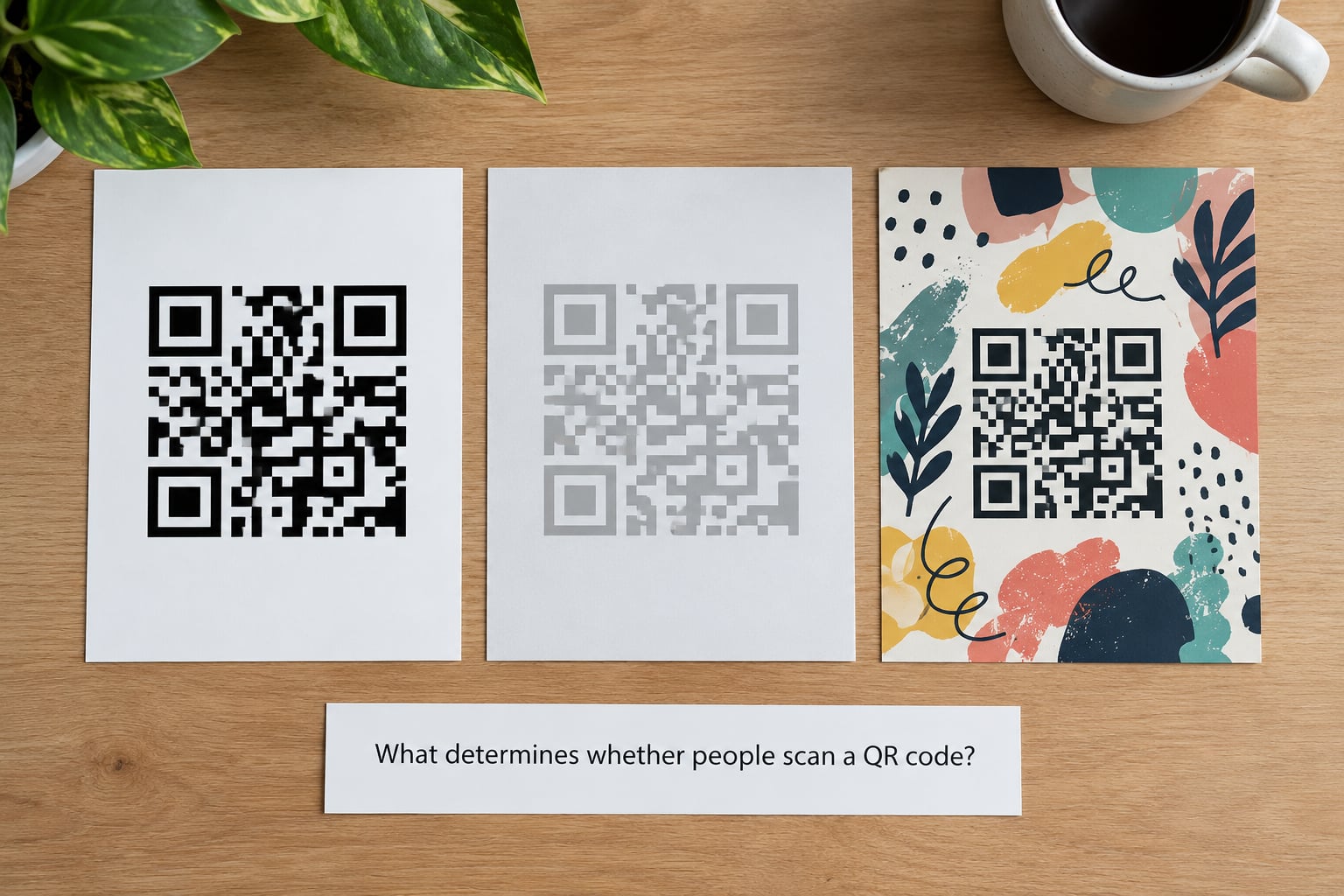
Scan success is mostly physics before it is psychology. The camera has to lock onto the finder patterns, resolve the modules, and read the payload. Everything below either helps that or works against it.
Size of the code relative to the viewing distance
This is the single biggest factor and the one most often ignored. A code that scans from twelve inches may fail at six feet, because the individual modules become too small for the camera to separate reliably.
Contrast between the code and its background
Dark modules on a light background are the reliable default. Light modules on a dark background often work but give you less margin. The same code printed on a photo, a busy gradient or a wood-grain panel will fail regardless of how large it is.
Clear space around the code
Most design guides call for a quiet zone of four modules on all sides. Designers routinely break this rule to fit a logo or a headline tighter, and the code still scans on the designer’s monitor while failing on a phone in daylight.
Viewing angle and motion
A phone camera reads a flat code best when the phone is roughly parallel to it. A code mounted on a pole sign or a truck door is often read at a sharp angle, which costs you resolution. Codes read from a moving vehicle are worse still, and codes read at highway speed usually fail entirely.
Lighting and surface finish
Gloss laminate produces glare under direct sun, and the reflection alone can defeat a well-made code. Matte finishes are safer outdoors. Deep shadow, as under an awning or at night with a lit sign, works against the camera as well.
Whether the destination is worth it
A scan is a small commitment, and it costs attention. If the code promises a menu, a booking or a discount, some people take it. If it promises a generic home page, most do not, no matter how large the code is.
Whether the phone is actually available
A meaningful share of would-be scanners have no phone, a flat battery, no signal or no data plan. On a sign in a low-signal area, a code that depends on a live page quietly loses those viewers.
QR code scan success by sign size and placement
Use the ten-to-one rule as a starting point: the code should be roughly one tenth the width of the distance from which you expect it to be read. A code read from six feet wants to be about seven inches wide. Then treat that as a floor, not a target, because glare, angle and wear all cut into it.
| Sign format | Typical reading distance | Minimum code width | What limits it |
|---|---|---|---|
| Table tent or countertop card | 12 to 18 inches | 0.4 in | Almost nothing, if it is matte and high contrast |
| Door or window vinyl, walk-up | 2 to 4 feet | 0.8 to 1 in | Glare from glass, and people carrying bags |
| A-frame or sidewalk sandwich board | 2 to 5 feet | 1 to 1.2 in | Wind damage and wear at the base |
| Storefront window seen from the sidewalk | 6 to 10 feet | 1.5 to 2 in | Background clutter behind the glass |
| Yard sign on a stake | 4 to 8 feet | 1.2 to 1.5 in | Weathering and grass at the bottom edge |
| Vehicle wrap, person standing beside it | 6 to 15 feet | 2 to 3 in | Angle of incidence and curved panels |
| Pole or post sign | 10 to 20 feet | 3 to 4 in | Upward viewing angle, which is a hard one |
| Roadside billboard, vehicle passing | 40 to 150 feet | 5 to 10 in | Speed, distance and the viewing angle, which is why roadside codes rarely get scanned |
The industry floor of 0.4 inch applies to print you are holding. A sign nobody can walk up to needs several times that, and a billboard needs a size that will look absurd in the artwork proof and still be correct in the field.
Where to put it on the sign
Mount the code where the reader is already looking, usually lower and closer than the sign’s centre of attention. Eye level, roughly five feet, suits pedestrians. On a window graphic, put it away from the door handle where hands and bags obscure it. On a vehicle wrap, keep it off the wheel arches and the curved rear quarter, where distortion and stretch hurt the modules most.
Give it a reason to be scanned. A line of text next to the code, such as scan for today’s hours or scan to book, converts a meaningful share of people who were on the fence. A bare code usually does not.
When a QR code is the wrong choice
Skip it on speed corridors where nobody can safely hold a phone, on signs in very low foot traffic areas, and anywhere the viewer already has a long dwell time and a phone in hand. On a long dwell, a short URL or a memorable vanity address often gets typed anyway, and you keep the data without the friction.
How to design a QR code people can actually use
Keep the background plain
Put the code on a solid field. If the sign is a photo, place a solid panel behind the code or overlay a quiet zone in the background colour. This one habit prevents more failed signs than any other.
Use contrast that survives the medium
Test the artwork at the size it will be printed, not at full screen. A code that looks crisp at 100 percent often turns grey and low contrast when scaled onto vinyl or painted onto a vehicle. Ask your printer for a physical proof at final size and read it with a real phone.
Choose error correction for the conditions, not the trend
Error correction adds redundancy so a code survives damage. Low is fine for a printed flyer in an envelope. Medium suits most indoor signs. High is worth paying for on anything outdoors, printed on vehicle wrap or likely to be scratched, because it tolerates a logo in the middle and a dirt streak across it.
Add the logo in the centre, not the edges
A logo over the middle modules works at medium and high error correction. Covering a corner or running text over the code breaks decoding, and no amount of size compensates for it.
Make the destination mobile and fast
The code opens a page, not a purchase. Keep it to one screen, compress the images, drop third-party scripts and avoid a redirect chain longer than one hop. Most lost scans die on a page that takes four seconds to load over mobile data.
Write a call to action beside the code
Tell people what they get. Scan to book, scan for the menu, scan to save 10 percent. If the code sits alone in the corner of a large sign, treat a low scan count as the expected result rather than a surprise.
How to test whether your sign QR code works
Test in a repeatable way, because a single successful scan on the shop printer proves almost nothing. Budget an hour and do it in this order.
Run a print proof at final size
Ask for a paper proof at the exact dimensions the code will occupy. Small codes reproduced on a large sheet often gain contrast and lose the visual warning signs of a muddy print. Read the proof before it goes into production, not after the sign is installed.
Scan it with several phones
Test on iOS and Android, and on at least one older phone. Camera software differs, and the older models are a fair proxy for the customers who will not have a current flagship.
Test at real distances and angles
Stand at the distance you expect people to read it from, then at half that. Try straight on, then from the side where a passerby would naturally be. If it fails at the intended distance in any of those positions, increase the size before you reorder.
Test in bad light and on the real surface
Check it in direct sun, in shade and at night if the sign is lit. On a window, check for glare. On a vehicle, check the finish, because gloss plus direct sun is the most common outdoor failure and matte laminate is the fix.
Re-test after installation, and again in three months
Re-test on the day it goes up and once more at the three month mark. Codes fade, peel and get scratched, and a code that stopped working quietly stops generating data while the sign keeps looking fine. A quarterly photograph from the same position takes ten seconds and tells you whether the quiet zone is still clean.
How to measure scans and improve the result
Outdoors you cannot divide scans by distributed pieces, because nobody counts the people who walked past. The workable substitute is scans per thousand impressions, where impressions come from traffic counts, footfall data or your own rough estimate. Keep the method the same each time and the trend still means something, even if the absolute number is soft.
Give every sign face its own code
One code reused across a yard sign, a window and a truck tells you that your campaign works and nothing about which sign earned it. Separate codes per location, per face and per sign type are what turn a scan count into a decision.
Tag the link before printing, not after
Build the destination URL with UTM parameters naming the source, medium and campaign for that specific sign, then confirm in GA4 that the tagged link registers. Fixing attribution after the sign is up means reordering artwork, which is the expensive way to learn a lesson.
Decide dynamic versus static before the artwork is final
A static code encodes the destination directly. It never expires, costs nothing to run and cannot break, but changing the destination means reprinting the sign. A dynamic code routes through a redirect layer you control, so you can repoint it any time and get per-scan analytics, at the cost of a subscription and one more system that can fail. Permanent signage, which you intend to leave up for years, usually earns dynamic. Short-term campaigns where you already know the destination are fine as static.
Measure scans per impression, not raw scans
A sign on a busy corner and a sign on a quiet street will never produce comparable raw numbers. Dividing by estimated impressions gives you a rate you can compare across locations, and it is the only honest way to decide whether a second location is worth it.
Expect the drop after the scan
A scan is not a conversion. Multiple Quora threads on this question ask the same thing in different words: thousands of scans and no sales. The usual causes are a slow landing page, a destination that did not match the promise on the sign, and a code that counted visits rather than completed actions. Track what happens after the scan, and judge the campaign on that number.
Budget for durability
Ask about UV-resistant inks and matte anti-graffiti laminate, and confirm the sign’s expected service life. Permanent outdoor codes on vinyl and window graphics should be specified with the same care as the colour, because the code is the part that fails quietly. The cost of reprinting one face to fix a dead code usually exceeds the cost of the laminate that prevented it.
One more check worth doing: look at your own code monthly for sticker overlays or scratches. Malicious sticker placement over real codes is a documented scam, and a sign of your own is now part of the surface attackers look at.
Frequently Asked Questions
Do QR codes on signs actually get scanned?
They do, but at a low rate. Nobody has published a reliable signage scan-rate benchmark, so treat any figure you find online as a vendor’s customer average rather than a market figure. Codes on signs people stand close to and hold still to read perform best; codes mounted high or read from a moving vehicle perform worst. Measure your own with a unique tracked code per sign.
How far away can a QR code be scanned?
Use the ten-to-one rule: the code should be roughly one tenth the width of the reading distance. A code meant to be read from six feet wants to be about seven inches wide, and that is a floor rather than a target. The commonly cited 0.4 inch minimum applies to print held in your hand. Angle, glare and wear all reduce what actually works outdoors.
Are QR codes effective on signs?
Effective, but only in specific conditions. They work when the code is large, near eye level, in a pedestrian or parked-vehicle context, paired with a short call to action, and pointing to a page that loads in a couple of seconds on mobile data. They underperform on highway-speed traffic, on signs with heavy visual clutter behind the code, and anywhere the viewer has no phone or signal.
Is it illegal to put a QR code on a billboard?
Generally no. A QR code is treated as part of the sign artwork, not as a separate advertisement. Three things can still restrict it: municipal sign ordinances, which vary by jurisdiction and often control size and placement; your lease terms, which may forbid anything beyond the approved creative; and public-property rules, which can be stricter. Check your local ordinance and your lease before artwork goes to print. This is general guidance, not legal advice.
What is the downside of QR codes on signage?
The main downsides are low scan volume outdoors, a visible gap between scans and sales, dead batteries and dead signal zones where the code cannot help anyone, and the risk of tampering, where someone covers your code with a sticker. There is also the reprint problem: a static code that stops working means new artwork. A glossy laminate in direct sun can also stop a code scanning without looking damaged.
What actually happens when you scan a QR code?
The camera detects the finder patterns, decodes them into text, and that text is nearly always a link. The browser opens it. The code itself carries no tracking. Measurement comes from a dynamic QR code’s redirect layer, which records the scan and forwards the visitor. With a static code the destination is baked into the artwork, so you can only infer scans from your analytics after the fact.
Conclusion
Start small and verify. Print a proof at final size, read it with three different phones, and stand at the distance your customers will stand before the artwork goes to print.
Size the code to the ten-to-one rule for the closest realistic reading distance, keep a clean background, use matte laminate outdoors, and place it at the height where the viewer is already looking. Then give every sign face its own UTM-tagged dynamic code, confirm the tracking in GA4 before the sign goes up, and re-test after installation.
That sequence answers the original question with your own data instead of a recycled statistic, and it is the difference between a sign that measures itself and one that just sits there.