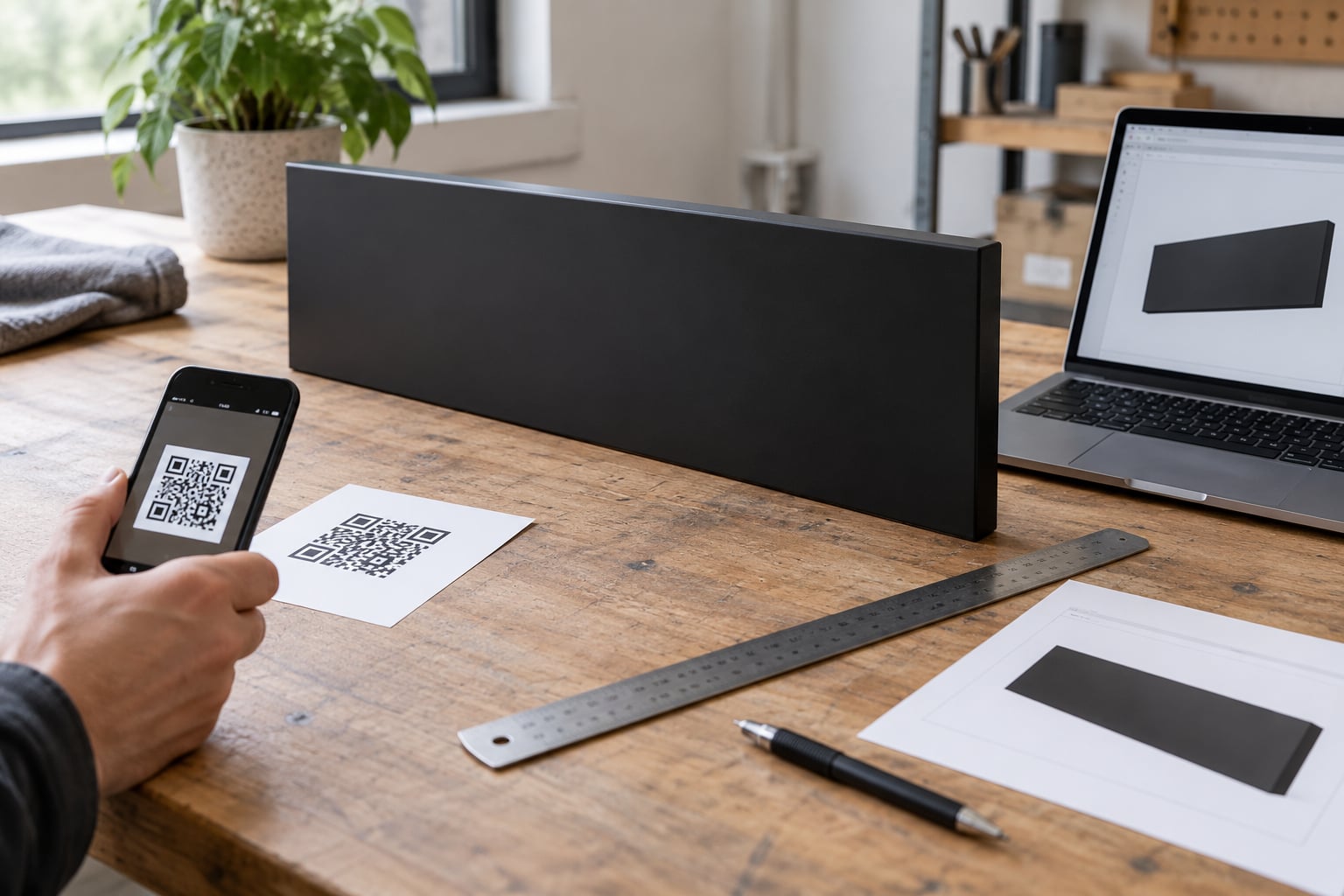
If you are still working out how to use a QR code on a business sign, the short version is simple: it is a scannable square that sends anyone who points a phone camera at it to one clear action, such as your menu, a booking page, a map, a review request, or a discount. Getting it right is mostly about restraint and arithmetic, not software skill. Budget roughly an hour for the design, ten minutes of testing, and a sign that leaves room for the code without shrinking the words people actually need to read.
That last point is where most signs go wrong. Owners add a code, the layout gets crowded, and the main message loses legibility at driving speed. The code never gets scanned because nobody can read anything anymore. The fix is simple enough that I have walked owners through it over and over: one action, one code, enough contrast, and a size matched to how far away people stand when they look up.
Table of Contents
- What You Need
- How to Use a QR Code on a Business Sign
- 1. Choose one customer action for the code
- 2. Create a short, reliable QR code
- 3. Design the sign around the code
- 4. Test the code before and after installation
- 5. Install and maintain the sign
- 6. Measure scans and improve the result
- How big should the QR code be?
- Common Mistakes
- The code is smaller than the reading distance
- Low contrast, or colour on colour
- The quiet zone got eaten by the layout
- No call to action, or a vague one
- A low-resolution file from a web generator
- The destination is slow, heavy, or desktop-only
- A static code with no way to update or count
- The code sits in glare, deep shade, or behind glass
- Frequently Asked Questions
- Where should I put a QR code on my business sign?
- What size should a QR code be on a business sign?
- Should I use a static or dynamic QR code for my business sign?
- Can I track scans from a QR code on my sign?
- Will a QR code on an outdoor sign work in bad weather?
- What should a customer see after scanning my business sign QR code?
- Conclusion
What You Need
None of this needs a designer or a software subscription. You need a destination that already works on a phone, a decision about the type of code, artwork your sign shop can actually print, and a couple of phones to test with.
- A working destination. A page that loads fast on mobile, with a working address and phone number. Test the link on mobile data, not office wifi.
- A static or dynamic code. Static is free and permanent. Dynamic lets you change the destination later and gives you scan counts.
- Vector artwork. An SVG file, or a high-resolution PNG if that is all your generator offers.
- A sign layout with clear space. The code needs a blank margin around it, not a logo butting up against the edge.
- Two or three phones. Ideally one recent iPhone and one Android, both with a clean camera lens.
- An analytics view. Either your dynamic QR provider’s dashboard or a tagged link in your own analytics.
If you do not yet have the destination page, build that first. A code that opens a broken or slow page is worse than no code, because it teaches people your sign does not work.
How to Use a QR Code on a Business Sign
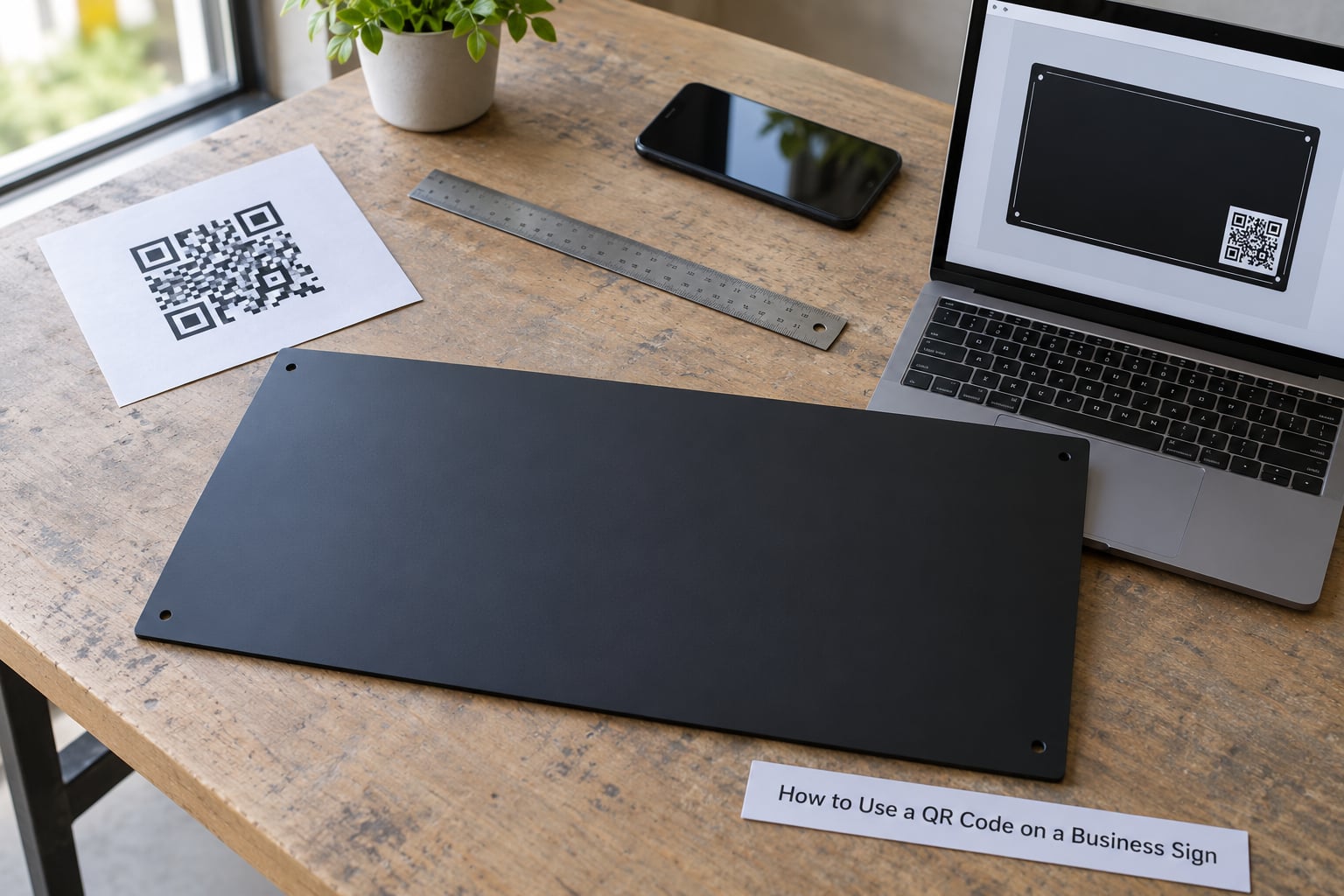
Six steps cover it: pick one customer action, build a short trackable code, design the sign around it, test the code before and after installation, install it properly, then measure scans and improve. Work through them in that order, because each one removes a decision from the next.
1. Choose one customer action for the code
A sign QR code works best when it does one thing. A person standing on a sidewalk has already seen your name, your hours, and your phone number on the sign. What they cannot do is tap any of that. So the code should give them the thing the sign physically cannot: a live menu, an appointment slot, a map pin, a review form, or a price list that you can change next month.
The temptation is a multi-link code that promises everything. It converts badly, and it looks like clutter. If you want two destinations, use two signs with two destinations, each with its own line of text saying which is which.
Pick the action that matches how your customers behave. Restaurants do well with the menu. Clinics and trades do well with booking. Retailers and service businesses see strong results with review requests, because the person is already satisfied and has nothing else to do but tap.
2. Create a short, reliable QR code
Long destinations are the quiet cause of scan failures. The more characters a code has to hold, the denser the module grid becomes, and the more sensitive the code is to distance, glare, and fading. Generate the code, then look at the destination and cut anything you can: a tracking-heavy link, a long folder path, a campaign query string that adds nothing.
For a sign you plan to keep for years, a dynamic code is the better choice. The printed square never changes; the destination behind it does. That means you can replace a dead landing page, send a seasonal promotion instead of a permanent one, or split traffic between two offers and see which wins, without reprinting a sign that costs real money to produce.
The trade-off is that dynamic codes depend on someone else’s server to keep redirecting. Pick a provider that lets you export your scan data and keep the domain you redirect through, and print the visible short URL beside the code. If a customer can read where the code sends them, they trust it more, and they can still type it if their camera struggles.
3. Design the sign around the code
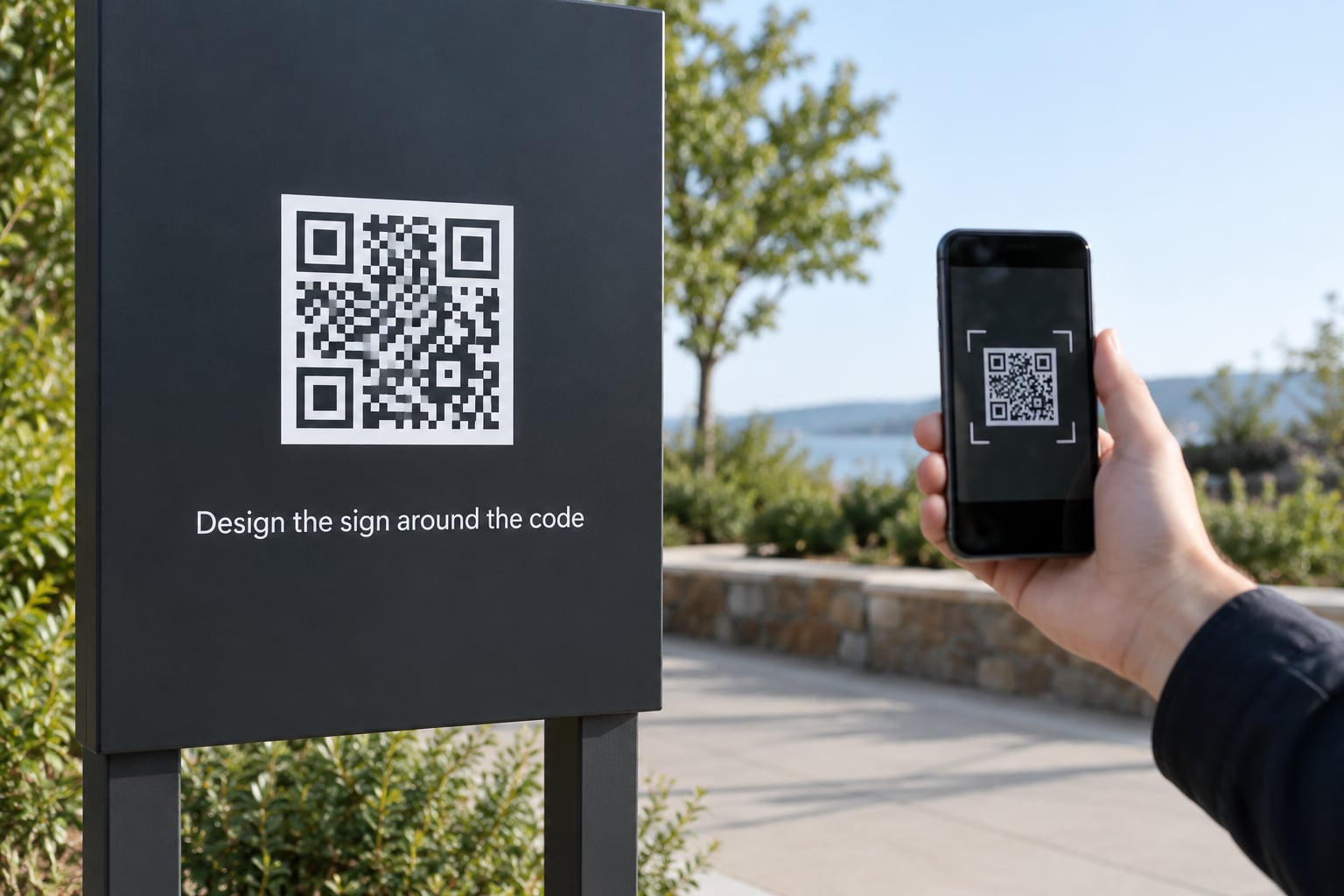
This is where I fix most drafts. The code should look like it grew there, not like a sticker applied after the sign was already designed. Four rules cover most cases.
Contrast. Dark modules on a light background, or light modules on a dark one, with a contrast ratio of at least 4:1. Avoid light-on-light and mid-tone-on-mid-tone, which are the most common reason a code fails in sun. If your brand colour is a mid-tone, put the code on a white panel instead of colouring the modules.
Quiet zone. Leave a blank margin of at least four modules on every side, as the ISO/IEC 18004 standard for QR codes requires. Nothing inside that margin: no text, no logo, no border line, no other code. A frame that touches the code kills it.
Size. Scale to reading distance using the 1:10 rule: the code should be about one tenth of the distance a person stands from it. There is more detail on this below.
Call to action. Two to four words in plain text under or beside the code. Examples that work: “Scan for our menu”, “Scan to book online”, “Scan for directions”, “Scan to leave a review”. Keep the action and the destination matched, so nothing is vague.
Then brief your sign shop properly. Send the vector file, the exact finished size in inches, and a note that the quiet zone is part of the artwork and must not be trimmed. Ask who supplies the production file and keeps the master, so you are not re-drawing artwork five years from now.
4. Test the code before and after installation
Test the print first, then test the installed sign. A code that scans on your screen tells you almost nothing about how the printed version behaves.
- Scan the digital code with at least two phones, one iPhone and one Android.
- Open the destination in an incognito window on mobile data, and time the load.
- Print or proof the sign at actual size, then scan the paper proof from standing and crouching distance.
- Check the destination in daylight and after dark, and with glare from one side.
- Once installed, walk to the sign from the direction customers approach from, not from the front.
- Check the code again after rain, after a week, and once more in a month.
If it fails at step three, the problem is almost always size, contrast, or the quiet zone. If it fails at step six, the problem is usually the destination page, not the sign.
The best test is to hand your phone to somebody who has never seen the sign and ask them to use it without help. That single minute tells you more than an hour of staring at the artwork.
5. Install and maintain the sign
Where the code sits depends on how customers approach. Pedestrian traffic works best at roughly 40 to 60 inches off the ground. A window decal placed at eye level reads well from the sidewalk. A roadside or monument code needs to sit where a slow-moving driver has a real chance to line up the camera, and it needs to be large enough for the 1:10 rule at the closest approach, usually 25 to 40 feet.
Use the materials the sign is made of. For outdoor work, UV-stable vinyl or a printed panel with a laminate over it helps against sun fade, and an anti-graffiti film makes cleaning easier and discourages sticker placement. Mount it solid, with no flex, because a code printed on a flapping banner will blur at exactly the wrong moment.
Watch out for glare on glass-mounted decals, and for night lighting that puts a hot spot across the code. Mount so the sign face tilts slightly down toward the sidewalk rather than straight up at the sky.
Add maintenance to your calendar. Clean the code area, check for fading and peeling twice a year, and re-check the destination link each quarter so you find a dead page before a customer does.
6. Measure scans and improve the result
Owners who ask how to use a QR code on a business sign usually want this step most, because the sign is already up and the numbers are not moving. Physical signage has no universal benchmark for a good scan rate, so judge the code against its own first weeks rather than someone else’s number. Start by recording baseline foot traffic near the sign for a normal week, then watch what the code does over the first month.
A dynamic code gives you scans, unique scans, and the devices behind them directly. With a static code, add UTM parameters or a short vanity URL on your own domain and read the numbers in your analytics, which is enough to answer the only two questions that matter: how many people scanned, and what did they do next.
Give each location its own code if you run more than one sign. Per-location tracking costs nothing extra with dynamic codes and is the only way to know the sidewalk decal is working while the monument sign sits unread. If you want per-staff attribution, that is a separate code on a separate surface, such as a counter card, not something to cram onto a shared sign.
Then improve in this order: destination page, call to action, code location, size. Landing page speed and a clear action beat a bigger code almost every time.
How big should the QR code be?
Yes, size matters. Use the 1:10 rule as the baseline: the printed code should be roughly one tenth of the distance the reader will be from it. For close-range printing like a business card, 2 by 2 inches is a practical floor. The table below turns the rule into finished sizes.
| Where the sign is | Reading distance | Minimum code size |
|---|---|---|
| Business card, counter card, takeaway | 6 to 12 inches | 0.8 to 1.2 inches |
| Window decal, door, A-frame sign | 2 to 5 feet | 2.5 to 5 inches |
| Curbside or parking-lot reader | 10 to 20 feet | 10 to 18 inches |
| Roadside monument or pylon sign | 25 to 40 feet | 24 to 36 inches |
| Billboard, roadside banner | 50 to 100 feet | 40 to 80 inches |
Size the code up rather than down whenever the sign carries brand colour, sits behind glass, or will be read in bright sun. Bigger codes cost nothing extra on a sign you are ordering anyway, and a code that is too large is still a code that scans.
For print quality, supply a vector SVG so the sign shop can scale it to any size with no loss. If you only have a raster file, ask for at least 300 DPI at the final printed size. Choose an error correction level of Q or H, the higher levels add redundancy so the code still reads when it is scuffed, dirty, or partly covered by a logo overlay. Levels L, M, Q, and H are the four defined in the standard, and Q is usually enough for outdoor signage without ballooning the module count.
Common Mistakes
Almost every failed sign code comes down to one of these. Each one has a specific fix, and most are visible before the sign leaves the shop.
The code is smaller than the reading distance
The most common failure. A 2-inch code on a roadside monument is unreadable from a moving car. Re-cut the layout around the 1:10 rule rather than shrinking the code to fit the leftover space.
Low contrast, or colour on colour
A gold code on a cream panel looks refined and scans about never. Use black on white, white on black, or a very dark version of your brand colour on a light background.
The quiet zone got eaten by the layout
Text set tight against the edge of the code, or a logo placed inside the margin, breaks scanning. Mark the four-module margin on the artwork and check the proof against it.
No call to action, or a vague one
A bare code is decoration. Tell people what happens when they scan, in two to four words, matching the destination exactly.
A low-resolution file from a web generator
Screen-resolution PNGs print blurry, and blurry modules fail. Request a vector file or regenerate at print resolution.
The destination is slow, heavy, or desktop-only
Test on mobile data, not wifi. If the page takes more than a few seconds to render, fix the page before the sign goes up, because that is where the scans go to die.
A static code with no way to update or count
Permanent signage lasts years. If the destination may change, a dynamic code is worth the small ongoing cost. Without one, you cannot fix a dead link without reprinting.
The code sits in glare, deep shade, or behind glass
Test at the exact angles customers approach from. Slight downward tilt, matte laminate, and a clean lens on the reader’s phone solve most of it.
One thing worth adding to that list: check whether adding the code changes your local sign rules. A few jurisdictions look at total sign area and complexity, so confirm before you commit to artwork.
Frequently Asked Questions
Where should I put a QR code on my business sign?
Put it where customers naturally stop and near the words that explain it, not in a corner or a leftover gap. For pedestrians, place the code 40 to 60 inches off the ground and keep at least a four-module blank margin around it. For roadside signs, set it at the height a driver sees from a slow approach and tilt the face slightly downward. Test it from the direction people actually walk or drive in from.
What size should a QR code be on a business sign?
Use the 1:10 rule: a code should be roughly one tenth of the distance the reader will stand from it. That gives about 2.5 to 5 inches for a window decal, 24 to 36 inches for a roadside monument sign, and 40 to 80 inches for a billboard. Close-range print such as a business card should not go below about 2 by 2 inches.
Should I use a static or dynamic QR code for my business sign?
A dynamic code is the better choice for permanent signage. The printed square stays the same while you can change the destination, run a seasonal offer, or redirect to a new page without reprinting the sign, and you get scan counts. A static code is free and permanent, which suits short-term use such as event signage or giveaways where the link will never change.
Can I track scans from a QR code on my sign?
Yes. Dynamic QR providers report total scans, unique scans, and the devices behind them, which lets you compare a window decal against a monument sign. With a static code, use a short URL on your own domain with UTM parameters added, then read the numbers in your own analytics. Either way, give every location its own link so results are attributable.
Will a QR code on an outdoor sign work in bad weather?
Yes, if it is printed properly. Use UV-stable vinyl or a printed panel with a laminate or anti-graffiti film over the code, high contrast colours, and an error correction level of Q or H so a scuffed or dirty code still reads. Glare, standing water, and grime reduce scans more than rain does, so clean the code area and re-test after severe weather.
What should a customer see after scanning my business sign QR code?
They should land on a fast, mobile-friendly page with one obvious action: book an appointment, open the menu, get directions, or leave a review. Avoid sending people to your homepage. Keep the visible short URL printed beside the code so they can type it if the camera struggles, and use a domain you own to keep the redirect working for the life of the sign.
Conclusion
Start with the destination. Decide on one action a customer should take, build it as a dynamic code with a short link you control, and print the visible URL beside it.
Then size the code to the reading distance with the 1:10 rule, keep the contrast high and the four-module margin clear, proof the artwork at actual size, and scan it from several phones before the sign maker produces anything.
After installation, check it in daylight, at night, and in rain, then watch the scan numbers for a month. Improve the landing page before you touch the design, because that is usually where the lost scans are hiding. That is how to use a QR code on a business sign end to end, from the artwork brief to the monthly review.